
Gaspard LEZIN
Stripe Banned Account: Appeal, Recover & Thrive
Got the 'Stripe banned account' email? Get actionable steps to appeal, manage funds, and find reliable payment alternatives. Don't let a ban stop you.
Your payment page stops working. Payouts freeze. Customers start emailing within minutes. If you're dealing with a stripe banned account, the worst move is panic.
The first day matters most. You need to find out what happened, protect cash flow, stop new disputes, and keep sales moving through a backup path. The appeal comes after that.
I've seen businesses lose more from bad reaction than from the ban itself. Opening a second account too fast, going silent with customers, or sending a defensive appeal usually makes the situation worse. A calmer sequence works better.
Table of Contents
Read the message like a risk reviewer
Know the difference between a freeze and a ban
What to gather before you write
How to write the appeal
What happens to the money
What to tell customers today
What works in the first day
What usually backfires
Operational habits that lower risk
Monitoring before the processor reacts
Why the usual setup keeps failing
A payment model built for global internet businesses
Why Stripe Banned Your Account and How to Be Sure
Most account ban emails are vague. That's normal, and it's frustrating. The useful move is to diagnose the category, not argue with the wording.
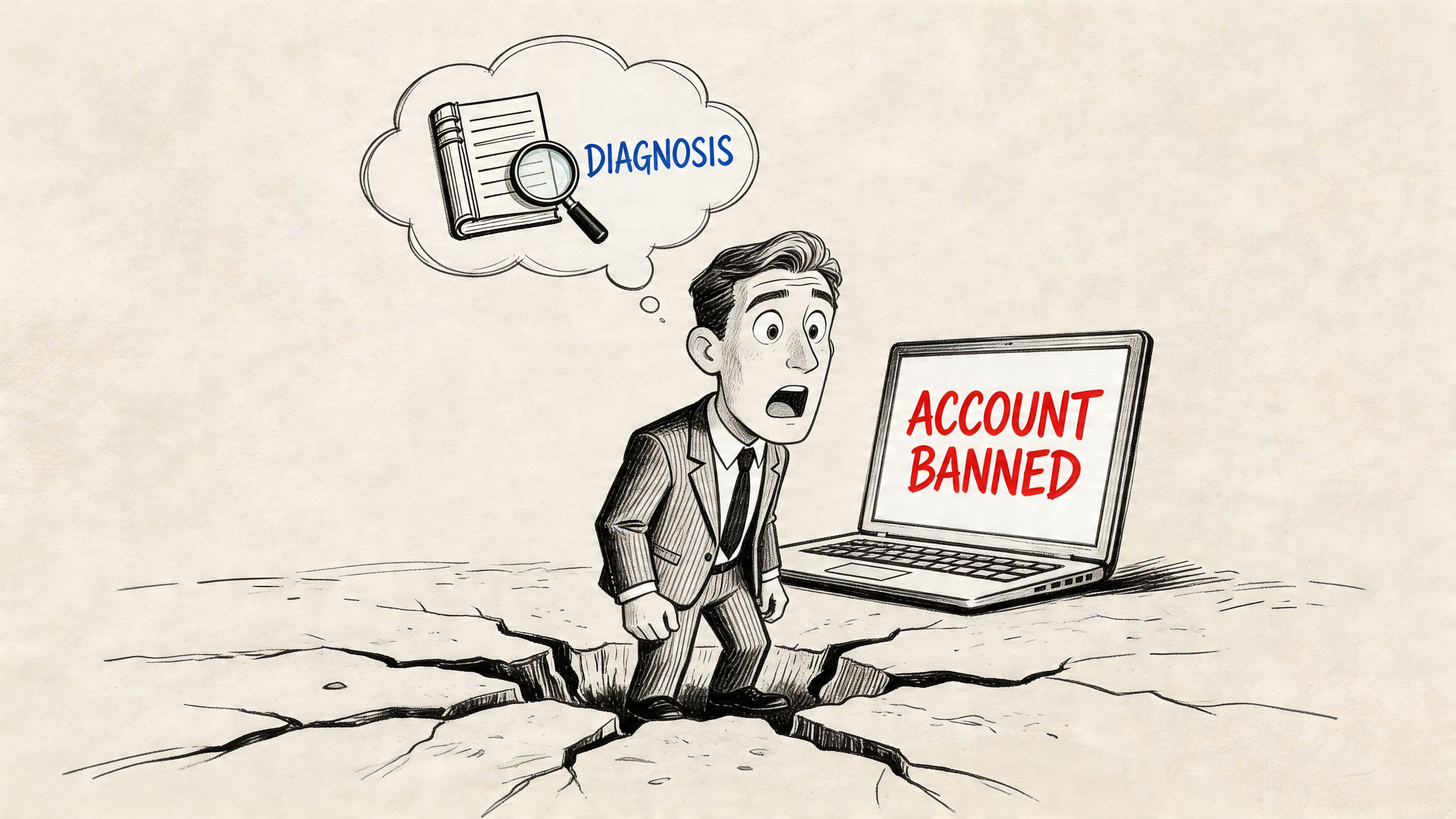
Stripe lists nine primary categories of violations: high chargeback rates, terms of service violations, operating prohibited businesses, non-compliance with financial regulations, processing illegal transactions, extended account inactivity, poor reputation with financial partners, selling restricted products, and operating in high-risk jurisdictions, as stated in Stripe's restricted businesses and compliance framework.
Read the message like a risk reviewer
Start with the exact language in the email and dashboard notice.
If the message mentions verification, you're often dealing with missing or inconsistent business information. If it mentions risk, fraud, or suspicious activity, the issue is usually broader and harder to reverse. If payouts are frozen but the dashboard still loads, that can mean restriction rather than total closure.
Use this quick checklist:
Check the dashboard banner: Look for wording about restricted activity, verification, or prohibited business concerns.
Review your recent changes: New product line, sudden traffic spike, new geography, updated domain, or billing descriptor changes can all trigger review.
Compare your website to your application: If your site, legal pages, pricing, or contact details don't match what the processor expects, that mismatch matters.
Check whether payments failed instantly or payouts stopped first: That difference helps separate operational review from a deeper ban.
Know the difference between a freeze and a ban
A temporary freeze usually means the processor wants more information. A ban usually means they no longer want the relationship.
You don't need perfect certainty on day one. You need a working theory strong enough to guide the next steps.
A useful way to consider this:
Signal | Likely meaning | Your next move |
|---|---|---|
Asked for documents | Verification gap | Gather clean business proof |
Payouts paused | Risk review | Preserve cash and customer trust |
Processing disabled | Serious restriction | Prepare appeal and migration |
New account also blocked | Linked identity issue | Stop creating accounts |
Practical rule: Don't create a fresh account to "test" your way around a stripe banned account. If the original issue involves business identity, domain, tax details, or prior risk flags, a rushed duplicate often creates a second problem.
If you're not sure what triggered it, assume the reviewer is looking at three things at once. Business model, customer risk, and identity consistency. That frame is more useful than trying to decode every email sentence.
Crafting an Appeal That Might Actually Work
An appeal isn't a rant. It's a compliance package.
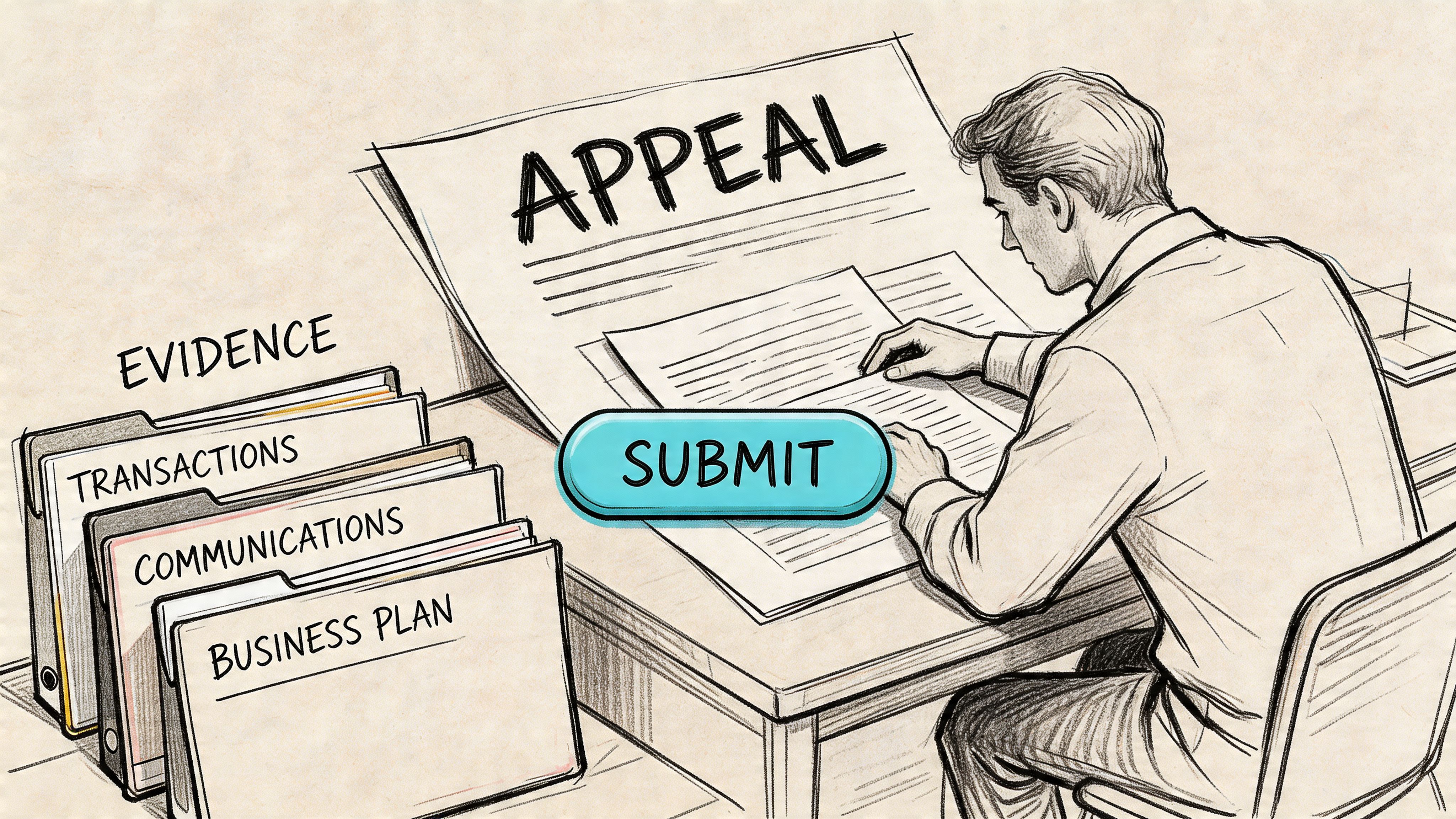
Stripe appeal outcomes are often poor when the account is flagged as high risk. The appeal process generally requires proof of compliance through a form, and anecdotal reports indicate success rates are under 20% for high-risk flags, with permanent bans more likely when systems link a new account through IP, tax ID, or domain, according to this breakdown of Stripe suspension and appeal patterns.
What to gather before you write
Don't start typing until your evidence is ready. Weak appeals fail because they ask support to investigate for you.
Build a folder with:
Identity proof: Government ID, business registration, tax documents, and any verification records that match your dashboard details exactly.
Website proof: Screenshots of product pages, checkout flow, refund policy, terms, privacy notice, and contact page.
Fulfillment proof: Invoices, delivery confirmations, access logs for digital goods, onboarding records, or customer acceptance emails.
Risk proof: Refund handling examples, dispute responses, customer support logs, and a short explanation of your business model in plain language.
If your website changed recently, include the corrected version and say what changed. If you removed a questionable offer, state that clearly and attach the updated page.
How to write the appeal
Keep it short, factual, and cooperative.
A strong appeal usually does four things:
States the account details clearly
Include legal entity name, account email, website, and reference number if one exists.Explains the business clearly
One paragraph. What you sell, who buys it, how delivery works, and how refunds are handled.Addresses the likely concern directly
If the issue was unclear, explain the most probable mismatch or trigger and how you corrected it.Attaches proof in an organized order
Name files cleanly so a reviewer can verify them fast.
Write like you're helping a risk analyst close a ticket, not like you're trying to win an argument.
A sentence structure that works is: issue, correction, proof. For example, if your refund page was missing, say it was missing, it's now published, and the screenshot is attached.
After you've drafted it, watch this before submitting if you want another perspective on how merchants approach the process:
Leave out emotion, blame, and long backstory. Support teams don't need your stress timeline. They need a file that reduces uncertainty.
Managing Held Funds and Customer Disputes
The money side is where panic gets expensive fast.
When Stripe bans an account, funds may be held for up to 90 days to cover potential chargebacks and fraud exposure, and Stripe advises merchants to keep chargeback rates below 0.75% because exceeding that unofficial level is a major contributor to suspensions and fund holds, as explained in this analysis of Stripe high-risk merchant treatment and reserves.
What happens to the money
Don't assume the balance is available just because it appears in the dashboard. Once the account is restricted, that balance can be delayed while the processor protects itself against future disputes.
Your job in the first day is to reduce new risk around that held money.
Focus on these actions:
Export transaction records: Save payment history, customer emails, invoices, refund records, and dispute evidence while access is still available.
Pause renewals you can't fulfill: If subscriptions will fail or service will stop, don't let customers discover that by accident.
Map obligations against available cash: Separate urgent refunds, payroll, ad spend, contractor payments, and hosting costs.
A payment freeze becomes a business crisis when the team keeps spending like payouts are normal.
What to tell customers today
Most chargebacks start with confusion, not fraud. If customers see a failed renewal or missing service and can't get a fast answer, they often go straight to the bank.
Use plain language. Tell them billing is being updated, service status, and where to request help. Don't mention internal processor disputes unless necessary.
A simple message structure works well:
Acknowledge the issue: "We're updating our billing setup."
Explain the impact: "Your renewal may fail or your invoice link may change."
Offer a direct path: "Reply to this email for support or refund questions."
Set expectation: "We'll follow up with an updated payment link shortly."
Customers are more patient when they hear from you before their card statement surprises them.
If your business depends on subscriptions, memberships, or recurring access, it also helps to review different operating models such as merchant of record options for online businesses. That won't solve today's hold, but it can reduce how much risk sits on one processor in the future.
Immediate Workarounds to Keep Your Business Running
A banned processor doesn't mean revenue has to stop today. It means your normal path is gone.
The first priority is continuity, not elegance. You need a workable way to invoice, confirm orders, and keep high-intent customers from disappearing.
What works in the first day
The best stopgaps are boring and manual.
For service businesses, direct invoicing works if you pair it with quick human follow-up. For digital products, a waitlist or pre-order form can preserve intent while you replace checkout. For agencies and freelancers, emailed payment instructions plus a written delivery timeline can hold deals together.
Short-term options that usually help:
Manual invoicing: Good for existing clients who already trust you.
Sales-assisted checkout: A team member confirms the order and sends the right payment path.
Temporary order forms: Useful when you need to capture customer details first and settle payment right after.
Subscription pause notices: Better than letting renewals fail without notification.
These are not pretty systems. They buy you time.
What usually backfires
Rushing into another traditional processor with the same website, same risk signals, and same unclear policies often leads to the same review outcome. The processor changes, but the underlying profile doesn't.
The other common mistake is opening a new account under a related identity before you've fixed the root issue. That can make your business look evasive.
Here's the trade-off in plain terms:
Option | Benefit | Risk |
|---|---|---|
Manual invoicing | Fast to launch | Hard to scale |
New processor immediately | Quick hope | Same flags can follow |
Pausing sales briefly | Protects reputation | Short-term revenue dip |
Rebuilding checkout carefully | Better long-term stability | Takes more effort now |
If you need money coming in today, use a stopgap. Just don't confuse a stopgap with a real recovery plan.
How to Prevent a Future Payment Processor Ban
Most prevention work is operational, not magical. Clean policies, stable transaction patterns, and consistent business identity solve more than clever support tickets do.
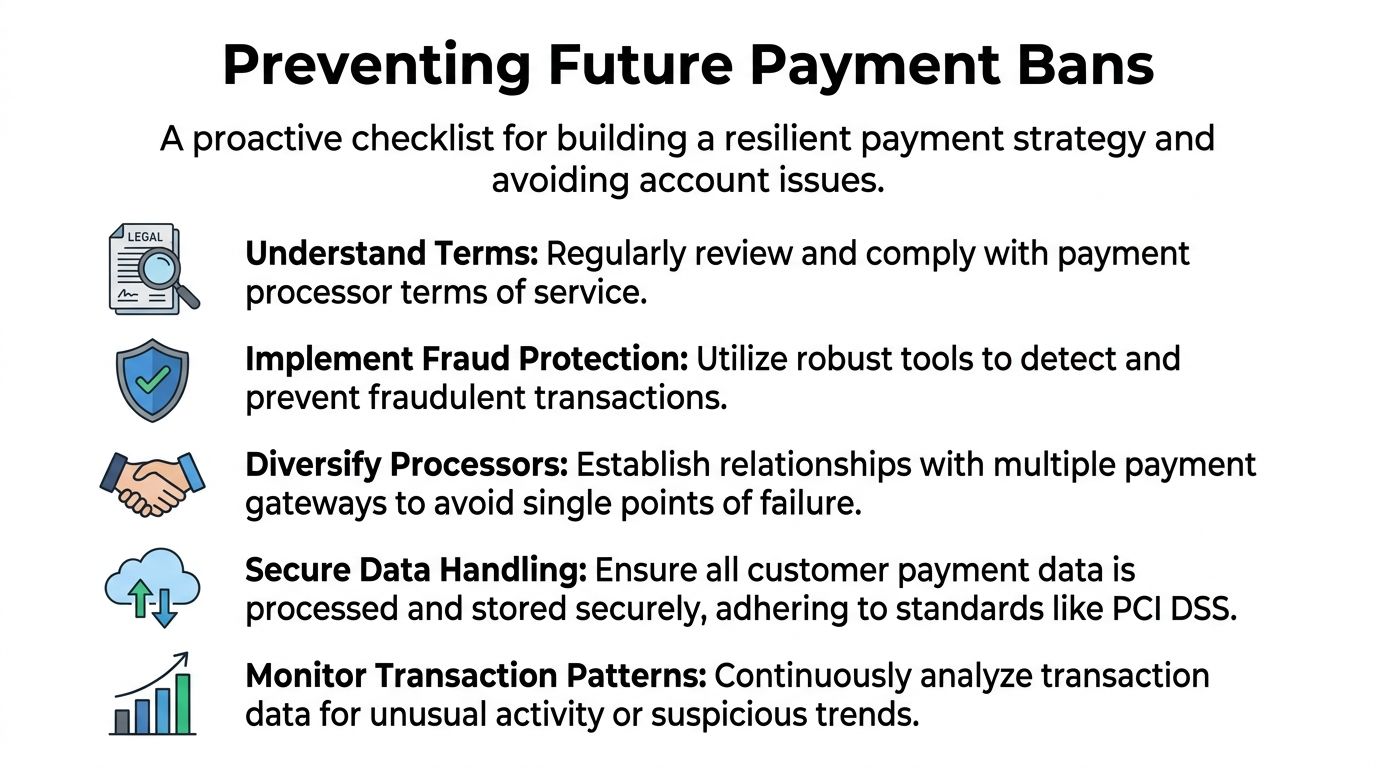
Operational habits that lower risk
Processors get nervous when your business is hard to understand or hard to verify.
That means your website needs to answer basic reviewer questions fast:
What are you selling
Who is buying
How is it delivered
How does a customer request a refund
How do they contact you
If any of those answers are buried, missing, or inconsistent across your site and business records, fix that first.
Keep one internal file that includes your current legal entity details, tax records, domain ownership, support address, and product descriptions. When a review hits, speed matters.
For broader reading on strategies for account unblocking and risk management, RNC Group has a useful resource that matches what operators see in practice. Documentation and consistency beat improvisation.
Monitoring before the processor reacts
Some bans start with false positives. Stripe-focused reporting on alternative payment setups notes that automated systems can be prone to false positives, especially with non-card payments, and that linked bans can rely on IP, tax ID, and domain matching, while early monitoring can help businesses keep chargeback trends well below the 0.7% threshold that operators often use as an internal warning line, according to this overview of Stripe ban triggers and prevention practices.
That matters because waiting for the processor's dashboard warning is too late.
Build your own early warning routine:
Watch dispute drift: Don't just track chargebacks after they happen. Track refund complaints, failed deliveries, and cancellation spikes.
Review sales pattern changes: A sudden change in average order value, geography, or conversion path can look suspicious even if it's legitimate.
Audit the site monthly: Check pricing pages, refund terms, contact details, and product claims.
Keep fulfillment proof ready: Digital delivery logs and customer confirmations matter when a human reviewer gets involved.
If fraud pressure is part of your problem, it's worth reviewing practical guidance on payment fraud detection for online businesses. The strongest setups make disputes less likely before a processor ever steps in.
Prevention is mostly about making your business easy to verify, easy to understand, and hard to mistake for a bad actor.
Migrating to a Safer Global Payment Solution
A stripe banned account often exposes a structural problem. Too much of the business depends on one banking-style gatekeeper.
That setup is fragile for global companies, online communities, digital products, agencies, and non-resident founders. If the processor freezes first and explains later, your revenue pipeline isn't really under your control.
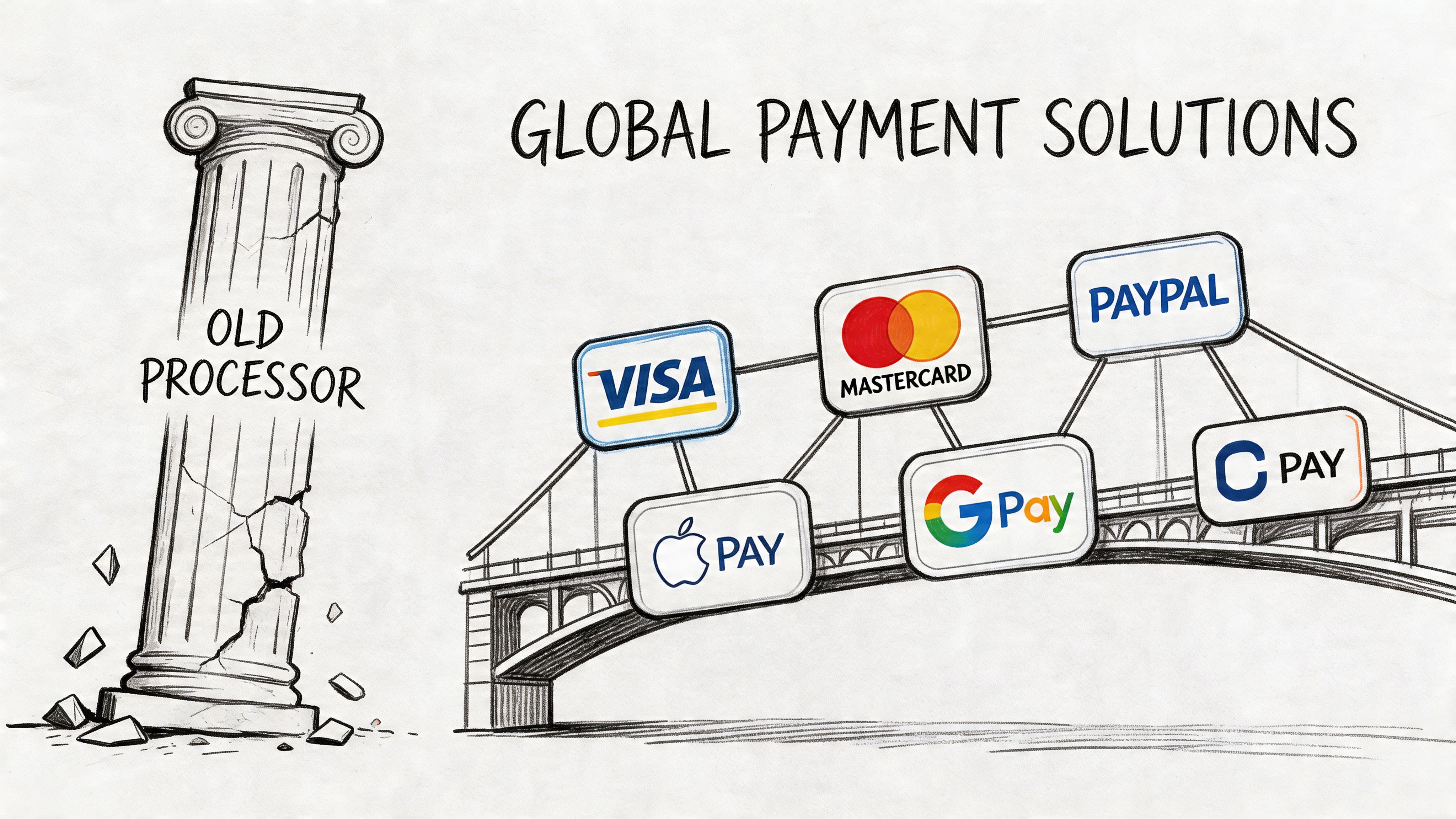
Why the usual setup keeps failing
This hits non-resident merchants especially hard. Verified guidance around non-resident setups notes that merchants using US LLCs can face high ban rates because automated systems flag suspicious activity and residency proof can become a major friction point, while alternative models can avoid the LLC dependency entirely, as discussed in this video on non-resident Stripe risk and payment alternatives.
The lesson isn't just "pick another processor." It's to reduce dependence on models that require local banking assumptions, opaque reserve behavior, and subjective account reviews.
When you're assessing providers, use the same discipline you'd apply to any important vendor. Visbanking's guide to Third Party Risk Assessment Tips: Protect Your Business is a useful reminder that payment partners are operational risk, not just software tools.
A payment model built for global internet businesses
A more resilient approach is to separate how customers pay from how your business gets paid.
Suby fits that model. It's an API that lets businesses accept payments by card or crypto, while the business receives USDC. It also supports native integrations with Discord and Telegram for subscriptions, paid access, and online communities.
That changes the practical setup in a few important ways:
Customers keep a familiar checkout experience: They can pay in the method they prefer.
Businesses receive USDC directly: That removes a lot of the friction tied to cross-border banking and payout uncertainty.
You can integrate it how you work: Use paylinks, embedded checkout, or the API and webhooks.
Recurring billing is supported: Useful for SaaS, memberships, and ongoing services.
Community monetization is built in: Discord and Telegram access can be handled natively.
For teams comparing options after a processor ban, this overview of an alternative to Stripe for global online payments is a practical place to start.
The deeper advantage is architectural. When users pay with cards and businesses receive USDC, you're not relying on the same payout model that causes so much operational stress for international sellers.
If your current setup made your business feel one email away from shutdown, that's the actual issue to fix.
Suby is a payment gateway built for global online businesses. Your customers pay with card, bank transfer, Apple Pay, Google Pay, Klarna, and more, or crypto, and you get paid out to your bank account, or in stablecoins (USDC, EURC) to your wallet, anywhere in the world with no bank account required. If a frozen or banned Stripe account is the real risk you are fixing, you can launch on Suby with paylinks, embedded checkout, or the API, and stop feeling one email away from shutdown.
