

Gaspard LEZIN
10 Free Invoicing Templates for Any Business in 2026
Download 10 free invoicing templates in Word, Excel, & PDF. Find the perfect design for your business and learn how to add payment links for faster payments.
Stop building invoices from scratch. You've finished the project, delivered the work, and the client is happy. Now you still have to package the work into something clear, professional, and payable. That last step often takes longer than it should, especially if you keep reformatting the same document every time.
A good invoicing template fixes that fast. It keeps the important fields in place, helps you avoid missing details, and gives clients fewer excuses to delay payment. Microsoft's invoice guidance is a good reminder of what matters most: invoice number, issue date, due date, itemized line items, subtotal, tax, and total due. It also shows that due dates are often calculated from the issue date plus payment terms, such as 30 days. If you want a broader view of invoicing apps beyond templates, Receipt Router's invoice app guide is a useful companion read.
This list gets straight to the options. These are the free invoicing templates and invoice tools I'd consider if I wanted something usable today, not just pretty screenshots.
Table of Contents
Why Suby is different
What works in practice
Best for spreadsheet-first invoicing
Best for branded client-facing invoices
Best for polished templates without heavy design work
Best if you want format flexibility
Best free library with a software upgrade path
Best for service businesses that need guidance
Best if you want a free app, not just files
Best for payment collection inside the invoice flow
Best for teams that want lots of template variations
Top 10 Invoicing Templates, Feature Comparison
From Template to Paid Streamline Your Invoicing
1. Suby
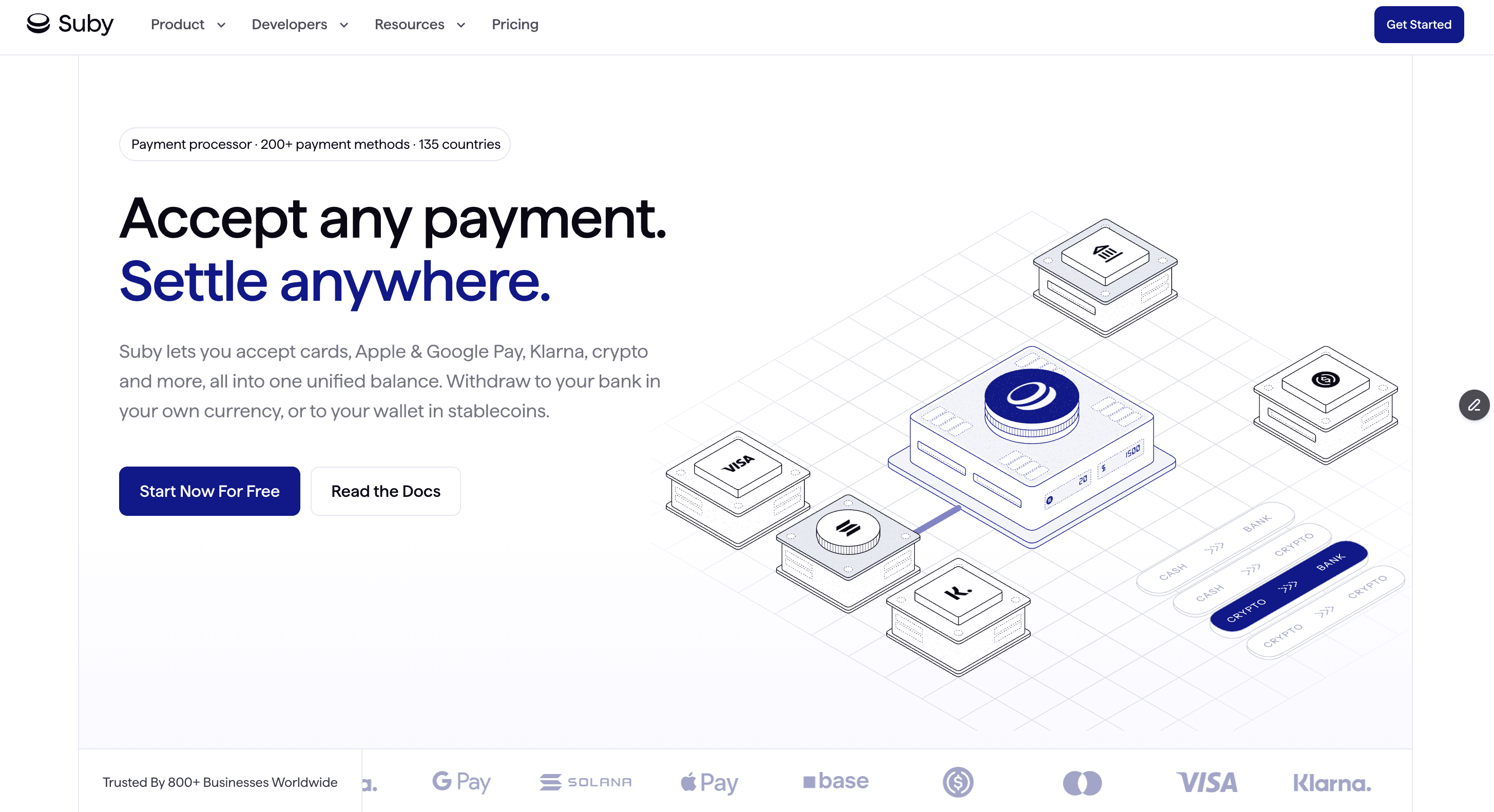
A familiar invoicing problem shows up right after the PDF goes out. The client is ready to pay, but they want to use a card, you prefer to settle in USDC, and the invoice template has no good way to connect those two preferences. Suby stands out because it addresses that payment gap, not just the invoice layout.
The practical appeal is straightforward. You can send an invoice flow that accepts card or crypto, then choose how you receive funds, including bank settlement or stablecoins. For freelancers, agencies, and internet-first businesses billing across borders, that changes the job from "send an invoice" to "remove excuses for delayed payment."
Why Suby is different
Suby combines four functions in one product: payments (card, bank transfer, Apple Pay, Google Pay, Klarna, and more, or crypto), crypto, gating, and invoicing. For this article, the invoicing angle matters most. Clients get flexible ways to pay, and your business keeps control over settlement. A useful real-world setup is card payment from the client with USDC settlement on your side.
That makes it more useful than a static template when payment preferences vary by client or country.
It also gives you several ways to plug payments into your process:
Flexible acceptance: Customers can pay by card or crypto through one checkout.
Settlement choice: Businesses can settle to bank or in stablecoins, in the currency they choose.
Integration options: You can use shareable paylinks, a hosted checkout, or connect through the Suby API and webhooks.
Creator and community support: Suby also has native Discord and Telegram integrations for paid access and subscriptions.
Practical rule: If you invoice international clients, optimize the payment path on the invoice, not just the design.
What works in practice
I'd use Suby when the bottleneck is payment collection rather than invoice formatting. That usually means international clients, mixed payment preferences, or too much manual reconciliation after the invoice is sent. It is also built around modern payment operations, with support for one-time payments, recurring subscriptions, tracking, disputes, SCA, 2FA, and refunds documented in its product materials.
Pricing depends on the payment method, so cost needs a quick review before rollout. Card pricing is listed separately, and that matters because the economics can look different if a large share of clients pays with crypto or if your average invoice size is high.
The trade-offs are fairly clear:
Best fit: Agencies, freelancers, SaaS companies, and creators billing global clients.
Main advantage: You can add a payment link to the invoice that matches how clients want to pay while keeping your preferred settlement flow.
Watch-out: If you plan to receive USDC, make sure your wallet setup and accounting process are ready before you switch clients over.
Operational upside: Consolidating different pay-in methods into one balance can make reconciliation easier.
If your current template already looks fine but payment still drags, this is the kind of tool worth testing. The design matters less once the invoice gives clients a fast way to pay by card or crypto and lets you settle in the currency you prefer.
2. Microsoft Create
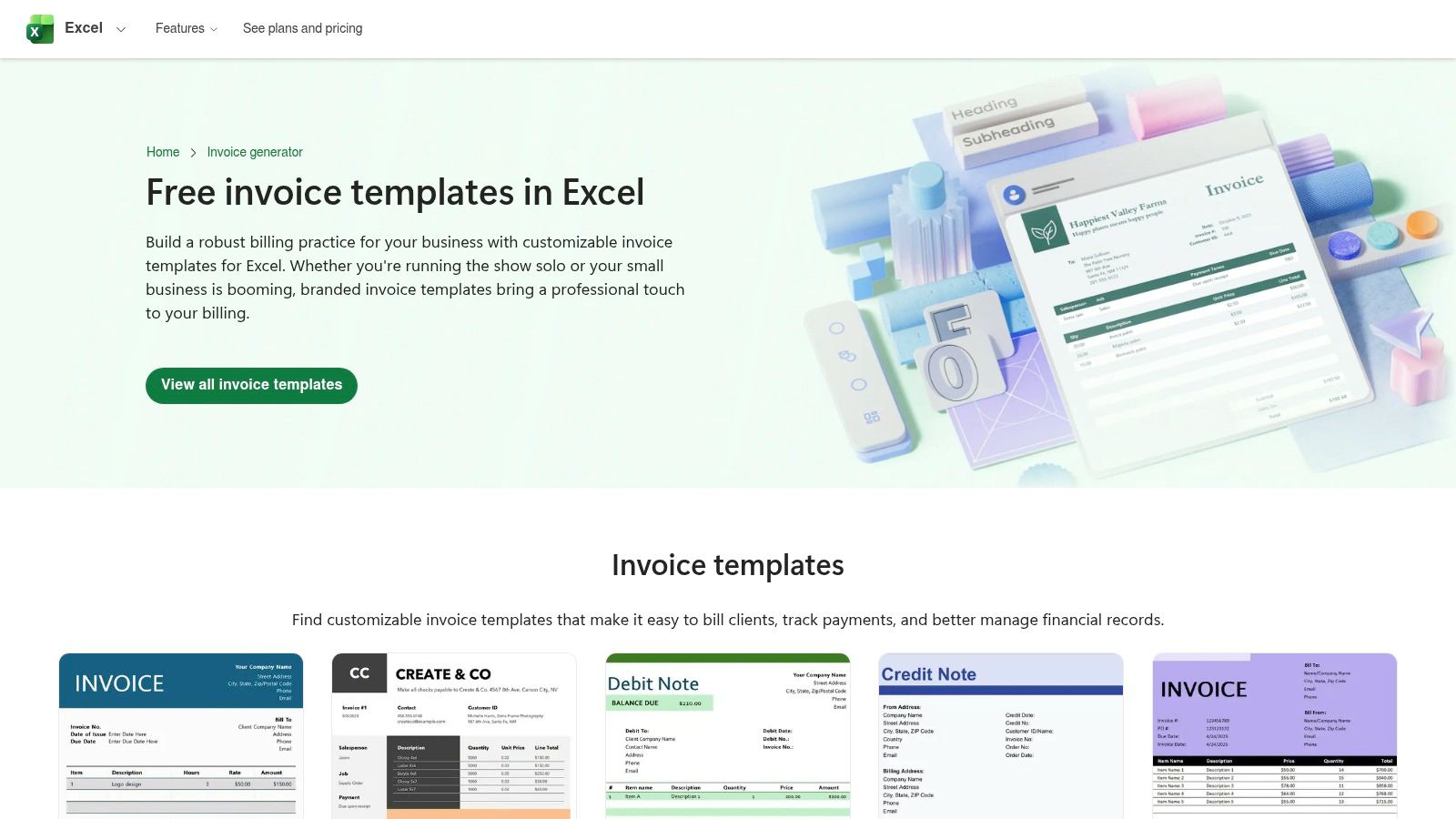
Microsoft Create is still one of the safest choices if you want invoicing templates that feel familiar on day one. Open the file in Word or Excel, swap in your logo and business details, and send the invoice. No new system to learn, no account migration, no workflow overhaul.
For many small businesses, that's enough. Microsoft's own invoice guidance also makes the basics very clear, including the standard fields you shouldn't skip and the logic of calculating a due date from the issue date plus payment-term days. That structure is part of why invoice templates have lasted so long as a business tool.
Best for spreadsheet-first invoicing
Excel-based templates are especially practical when you want formulas doing the subtotal and tax math for you. Word templates are better if you care more about appearance than formulas and you only send a few invoices per month.
What works well:
Familiar tools: Many are already familiar with Word and Excel.
Offline editing: Good when you want local files and simple archives.
Easy customization: Logos, colors, terms, and line items are easy to change.
What doesn't:
No built-in payment collection: You still need to tell the client how to pay.
Manual follow-up: Reminders, overdue tracking, and reconciliation stay on you.
A Microsoft template is dependable, but it won't chase payment for you.
If your clients still prefer attachments and local files, Microsoft Create remains a very practical pick. Start with the Microsoft Create invoice template gallery.
3. Canva
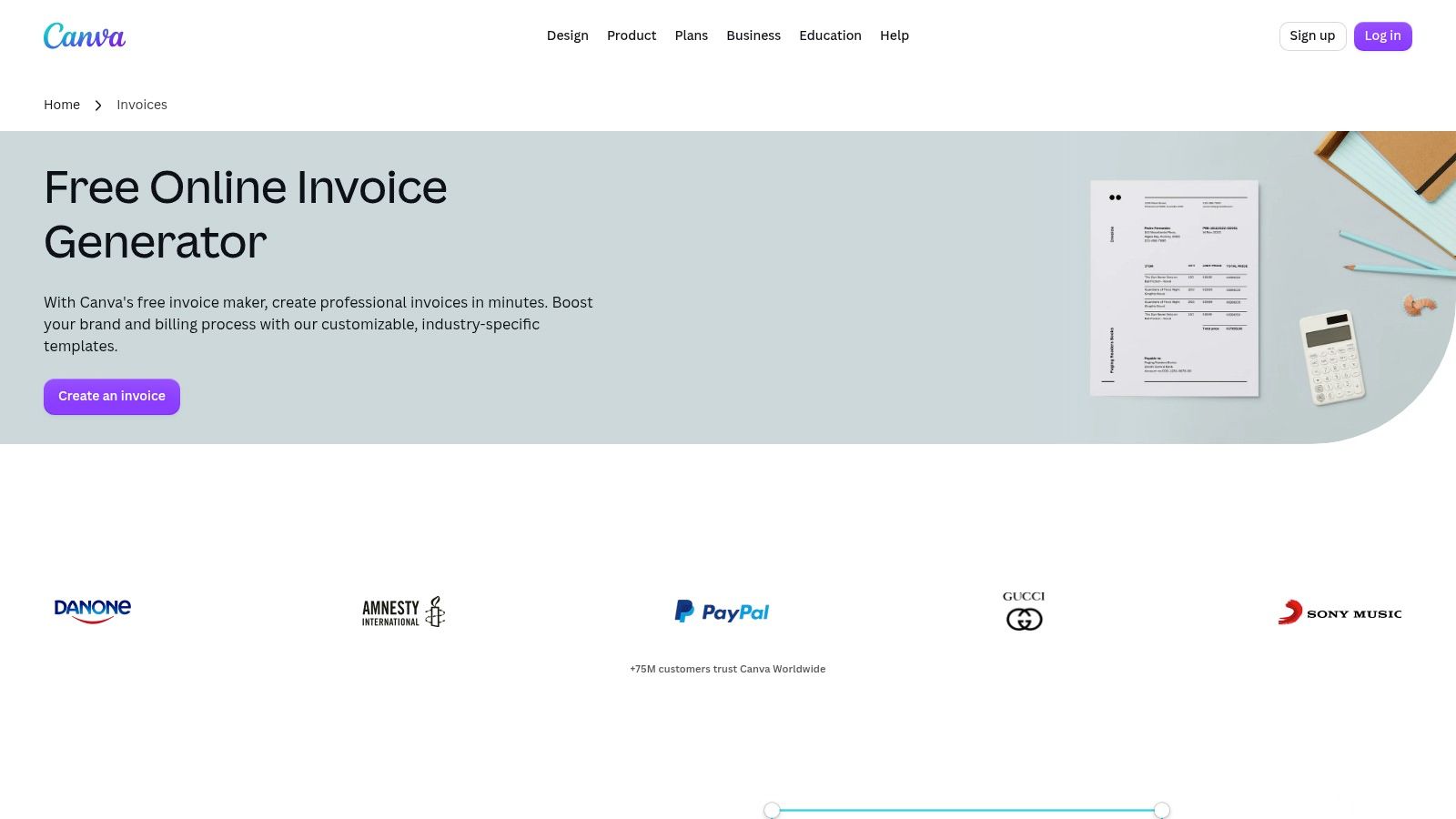
Canva is the easiest option here when presentation matters almost as much as the bill itself. If you work in design, marketing, photography, content, or any service where brand perception affects repeat work, Canva gives you a faster path to a polished invoice than most spreadsheet tools.
Its strength is speed. You can pick a layout, apply your brand colors, add a logo, and export a clean PDF without wrestling with document formatting.
Best for branded client-facing invoices
Canva works best when you want the invoice to feel like part of your business identity, not just an admin document. That's useful for solo operators who pitch premium work and want every client touchpoint to look consistent.
A few real trade-offs:
Strongest feature: Visual customization is fast and intuitive.
Good fit: Freelancers and small studios sending a lower volume of high-touch invoices.
Weak spot: It's still a design tool first, not an accounts receivable system.
The limitation shows up after you click send. There's no native collection workflow built around reminders, status tracking, or payment routing in the way dedicated invoicing software offers. That's why Canva is best when paired with a payment link or a separate invoice collection flow.
Mainstream invoice-template content still leans heavily toward offline editing and standard payment methods, while modern payment expectations are broader. That gap is exactly where a Canva invoice can look complete, yet still leave clients wondering how to pay in their preferred way. If Canva is your design layer, keep your payment instructions very explicit. You can browse the Canva invoice creator.
4. Adobe Express
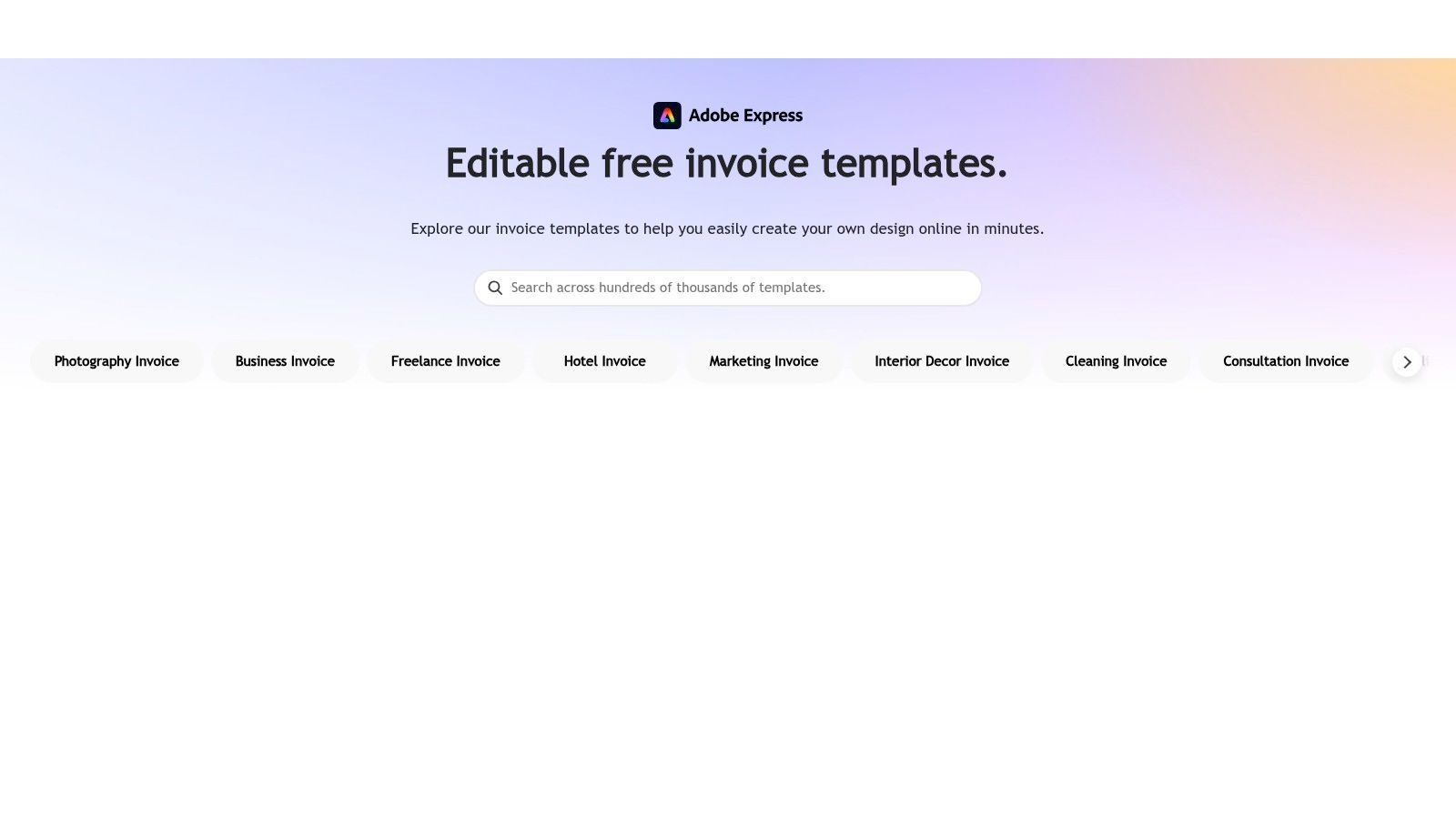
Adobe Express sits in the middle ground between static office templates and full design software. It's cleaner than building an invoice from scratch in a document editor, and it's less open-ended than using a blank canvas in a full Adobe app.
That makes it good for owners who want a professional invoice quickly without spending half an hour nudging text boxes into place. The invoice maker flow is straightforward, and exports are easy to share or print.
Best for polished templates without heavy design work
Adobe Express tends to work well for people who care about aesthetics but don't want too many decisions. The starting templates are polished, and light edits usually go a long way.
What I'd keep in mind:
Best use case: Client-facing service businesses that want good-looking PDF invoices.
Usability advantage: Easier than a full design suite, more refined than many document templates.
Limitation: Payment collection still happens elsewhere unless you connect another tool to the process.
Some premium branding features live behind paid plans, so the free experience is best if your needs are simple. If all you need is a clean invoice template with light customization, that's fine. If you need recurring billing, reminders, or embedded payment operations, this won't replace an invoicing platform.
You can test the Adobe Express invoice templates and decide quickly whether the style-to-effort ratio fits your workflow.
5. QuickBooks invoice templates
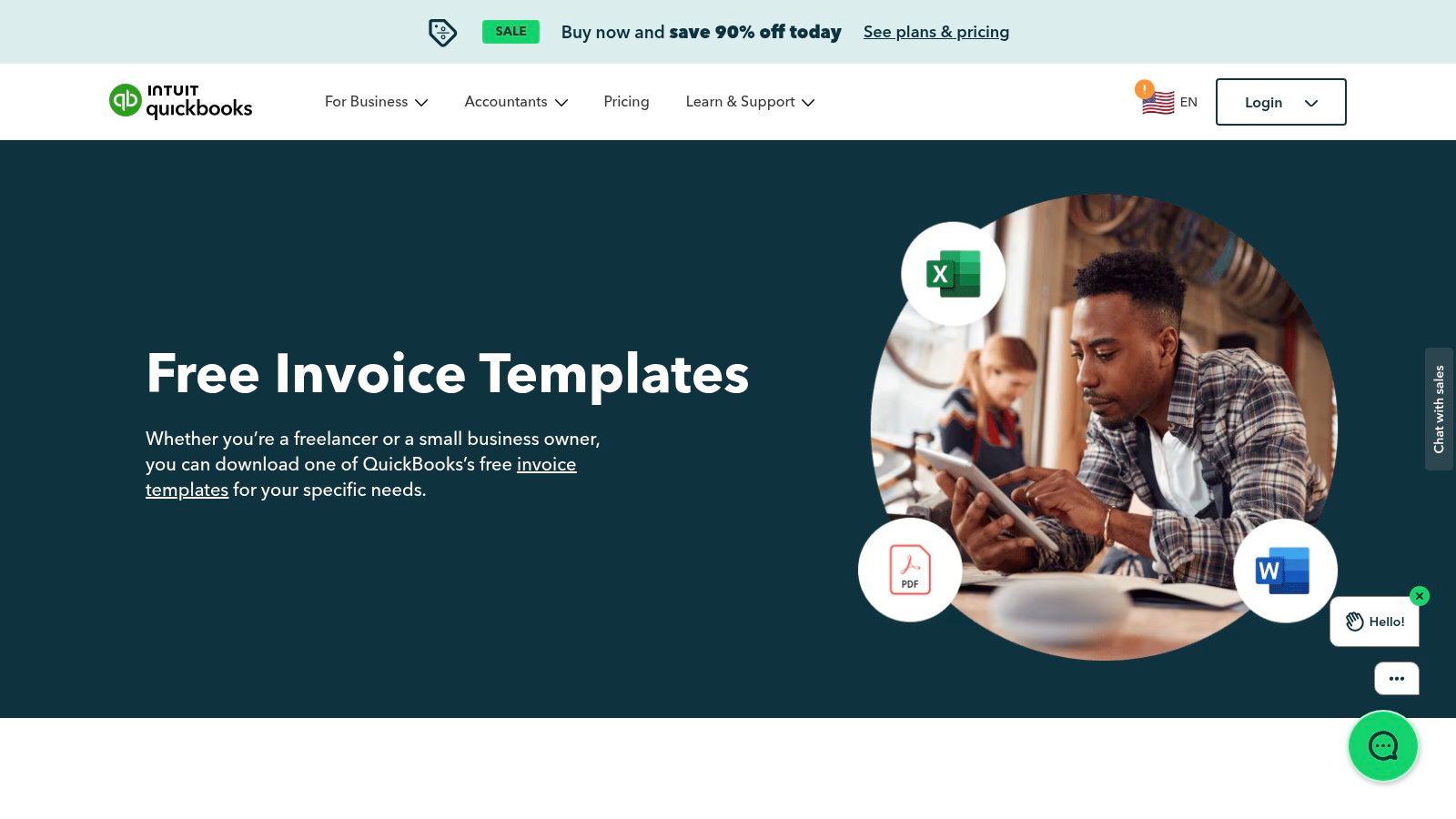
QuickBooks does something simple but useful with its free invoice templates. It gives you multiple file formats without forcing you into software on the first click. That's helpful when you're not ready to change your accounting setup but still want a professional-looking invoice today.
The download options are broad enough that most businesses can find a workable starting point. Word, Excel, PDF, and Google-friendly formats cover a lot of day-to-day needs.
Best if you want format flexibility
QuickBooks templates are practical, not flashy. That's their strength. They're built for businesses that care more about clean documentation than custom design.
Where they work best:
Format choice: Useful if your team works across different file types.
Low commitment: You can use the templates standalone.
Future path: If you eventually want accounting and invoicing in one ecosystem, the transition is obvious.
Where they fall short:
Manual process: Sending, reminders, and collections stay manual unless you move deeper into software.
Less visual personality: They look businesslike, but not especially distinctive.
The upside is that they don't overcomplicate the job. Download, fill in, export, send. For many small businesses, that's enough. You can find them in the QuickBooks invoice template library.
6. Wave
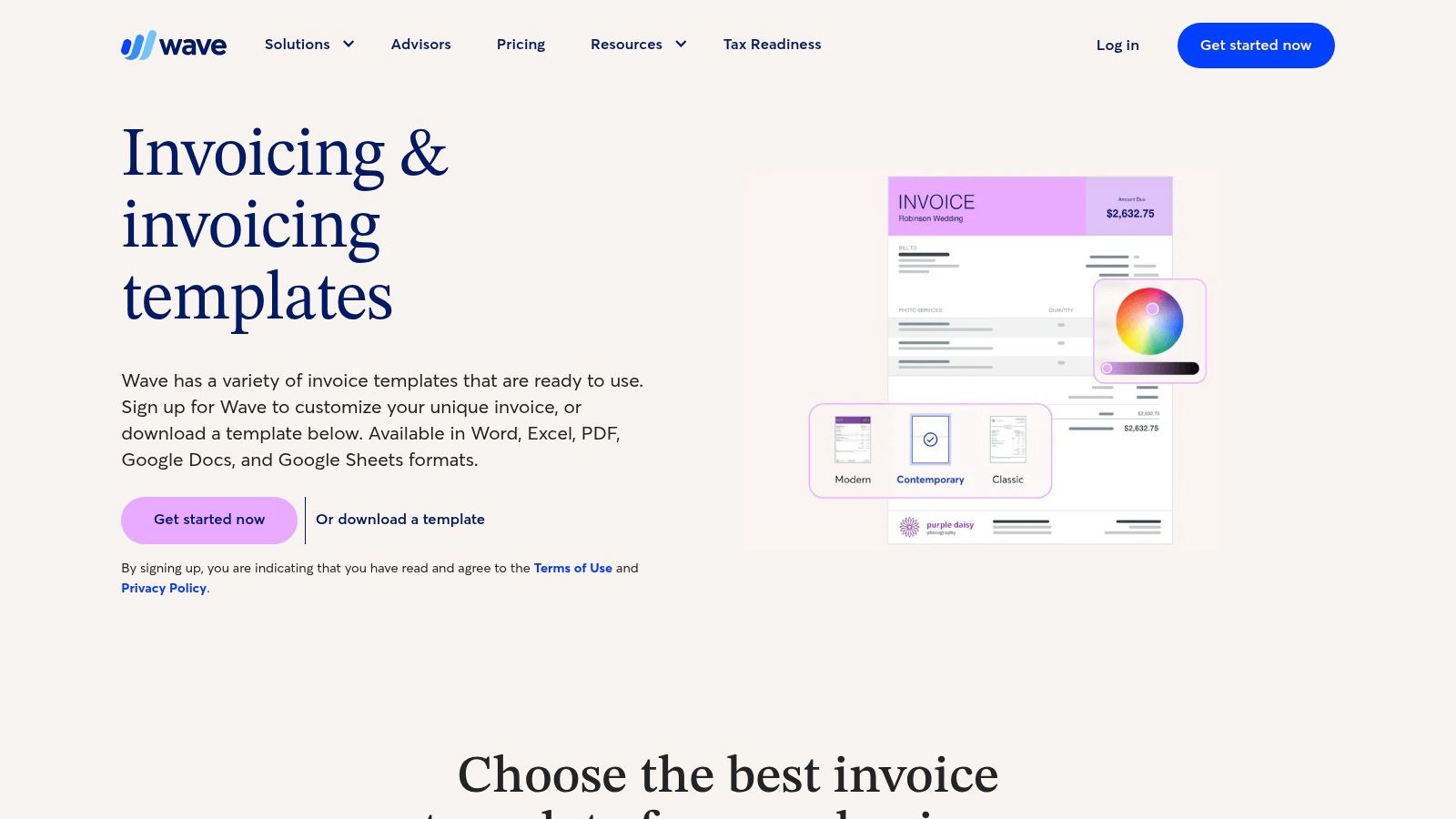
Wave is one of the strongest free starting points because it gives you both breadth and an upgrade path. Its template library offers over 100 free invoice templates ready for use, which is enough variety that most freelancers and small businesses will find something close to what they need right away, according to Wave's invoice templates page.
That matters because the jump from “I need an invoice now” to “I need better payment operations” often happens gradually, not all at once.
Best free library with a software upgrade path
Wave is useful when you want flexibility now and software later. You can start with static files, then move into Wave's invoicing product if you want more tracking and reminders.
What stands out:
Large template range: Good for different industries and styles.
Simple on-ramp: You don't have to commit to software immediately.
Growth path: There's a natural move from template to app if your volume increases.
The main trade-off is the same one you see with most template libraries. A downloaded template won't automate follow-up or collections by itself. You only get those benefits if you move into the software experience.
Field test takeaway: A free template solves formatting. It doesn't solve cash flow unless the payment step is easy too.
7. FreshBooks invoice templates
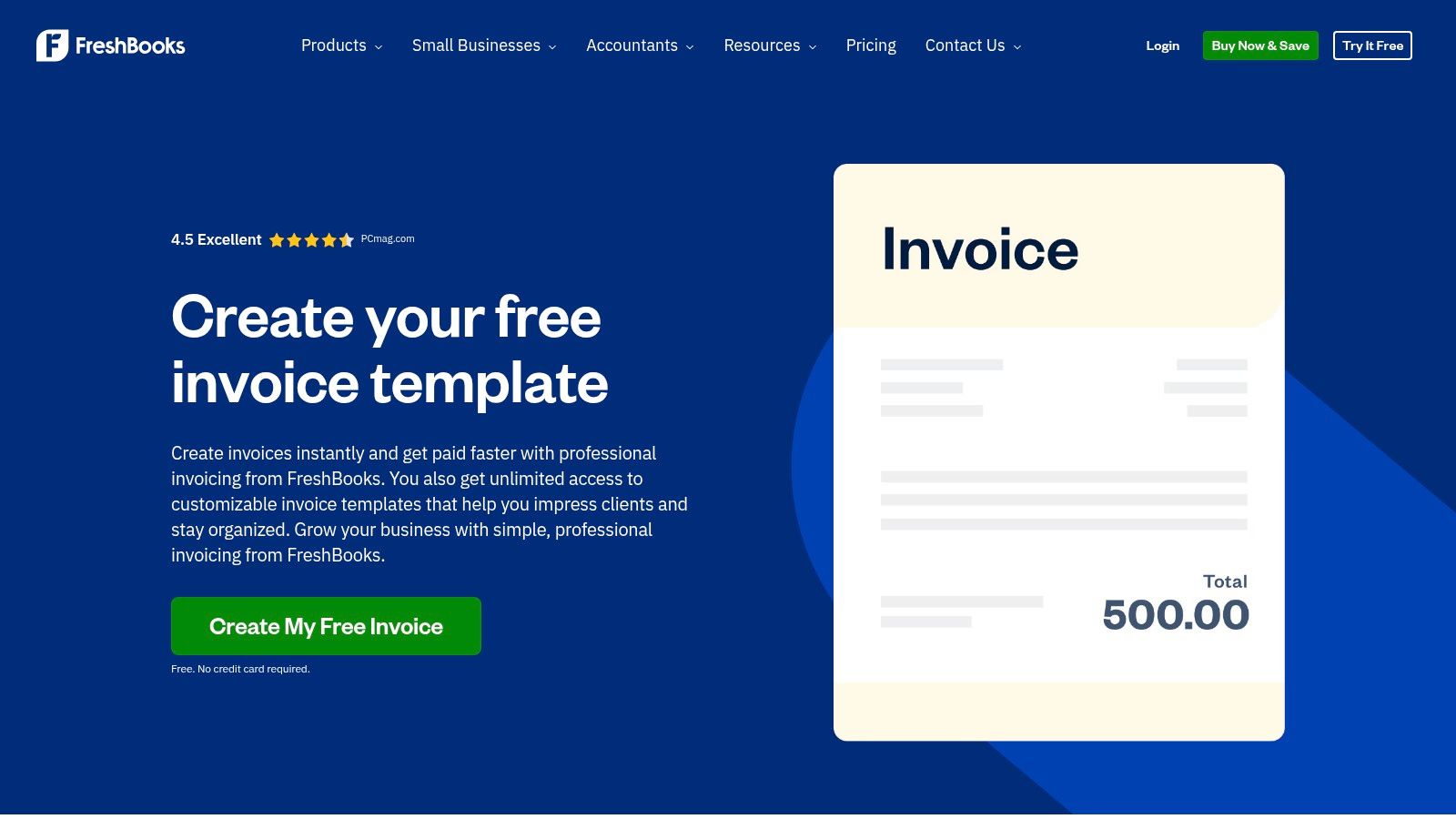
FreshBooks has a wide template hub, and that's useful if you bill in more than one style. A consultant invoice, a medical invoice, and a simple freelance invoice don't always need the same layout or phrasing. FreshBooks acknowledges that, which makes its library more useful than a generic single-template page.
It's also a good fit for service businesses that need a little hand-holding around invoicing language, format, and standard practice.
Best for service businesses that need guidance
FreshBooks is less about flashy design and more about making sure your invoice says what it needs to say. That's valuable if you're new to billing clients or if you work across multiple service lines.
A few practical points:
Good variety: Templates come in common document formats.
Helpful for beginners: The surrounding guidance reduces guesswork.
Natural upgrade path: If you outgrow templates, there's a software route.
One thing many template pages still don't answer well is whether specific template choices improve payment behavior. The available content focuses heavily on fields and layout, but much less on which invoice decisions reduce disputes or speed collections. That gap is worth keeping in mind when choosing any template. If you're comparing invoice tooling beyond templates, this related guide on best billing software for small business is a useful next step.
For the templates themselves, use the FreshBooks invoice template library.
8. Zoho Invoice
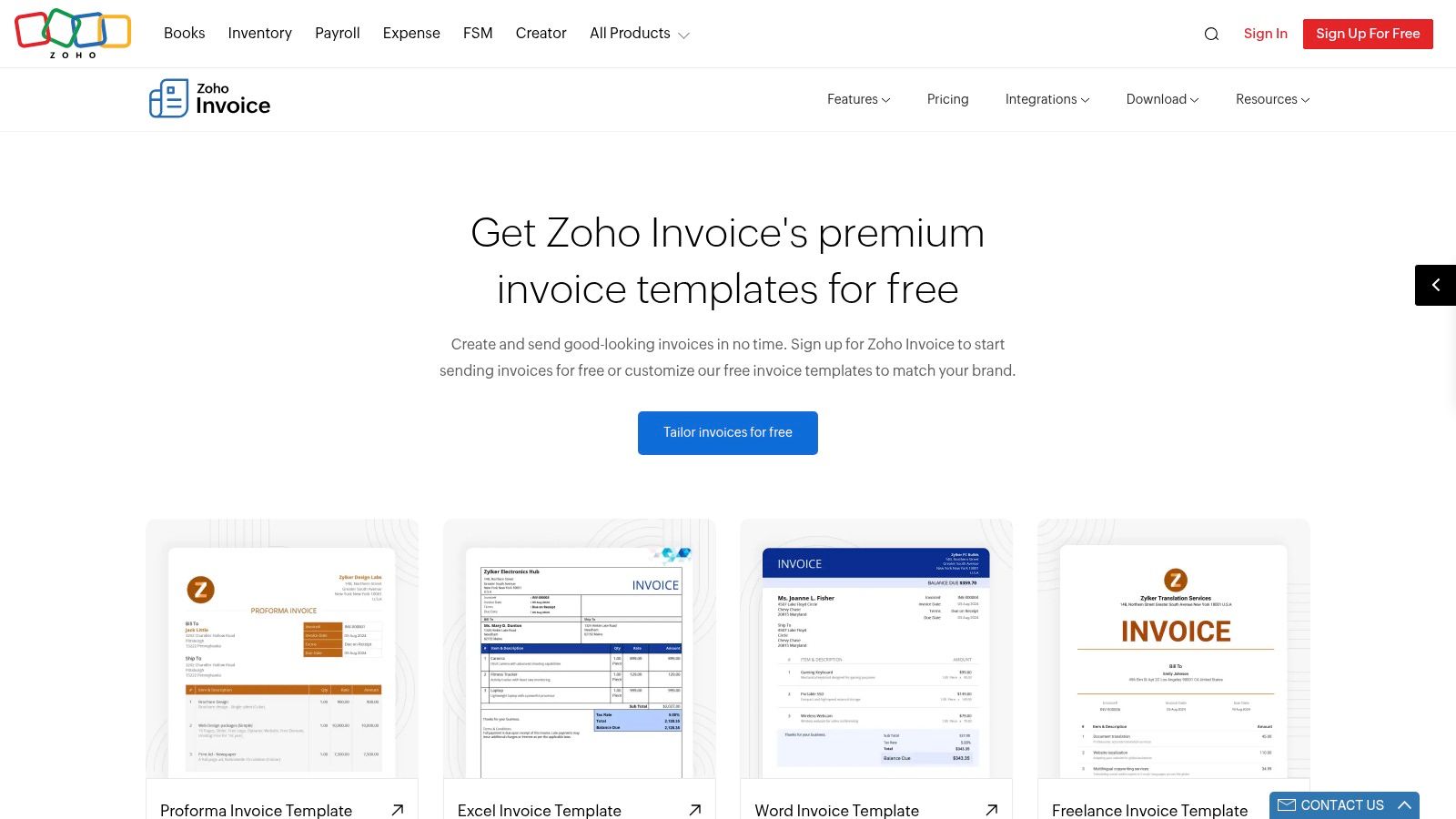
Zoho Invoice is the first tool on this list where I'd say the app may matter more than the downloadable template. If you're still sending files manually, the templates are fine. If you want reusable templates, reminders, client visibility, and a more structured invoice workflow without paying for a separate invoicing product, Zoho gets more interesting.
This is better suited to businesses that are ready for a system, not just a document.
Best if you want a free app, not just files
Zoho Invoice works well for owners who've hit the point where “open template, edit, export, email” is getting old. The product gives you a more organized way to manage invoice output and reuse branded formats inside the app.
What works:
Reusable templates: Better than rebuilding the same invoice each time.
More workflow support: Reminders and portal features help once volume grows.
Deeper customization: Stronger than static files if you care about consistency.
What to watch:
Setup takes longer: More moving parts than a simple template download.
May be more than you need: If you send a handful of invoices monthly, it could feel heavy.
For international invoicing, the operational side matters as much as the layout. Currency handling, settlement expectations, and payment method clarity can create friction if they're unclear on the invoice. If that's a recurring issue in your business, this piece on how to avoid currency conversion fees is worth reading alongside your template setup.
You can review the Zoho Invoice template options.
9. Stripe Invoicing
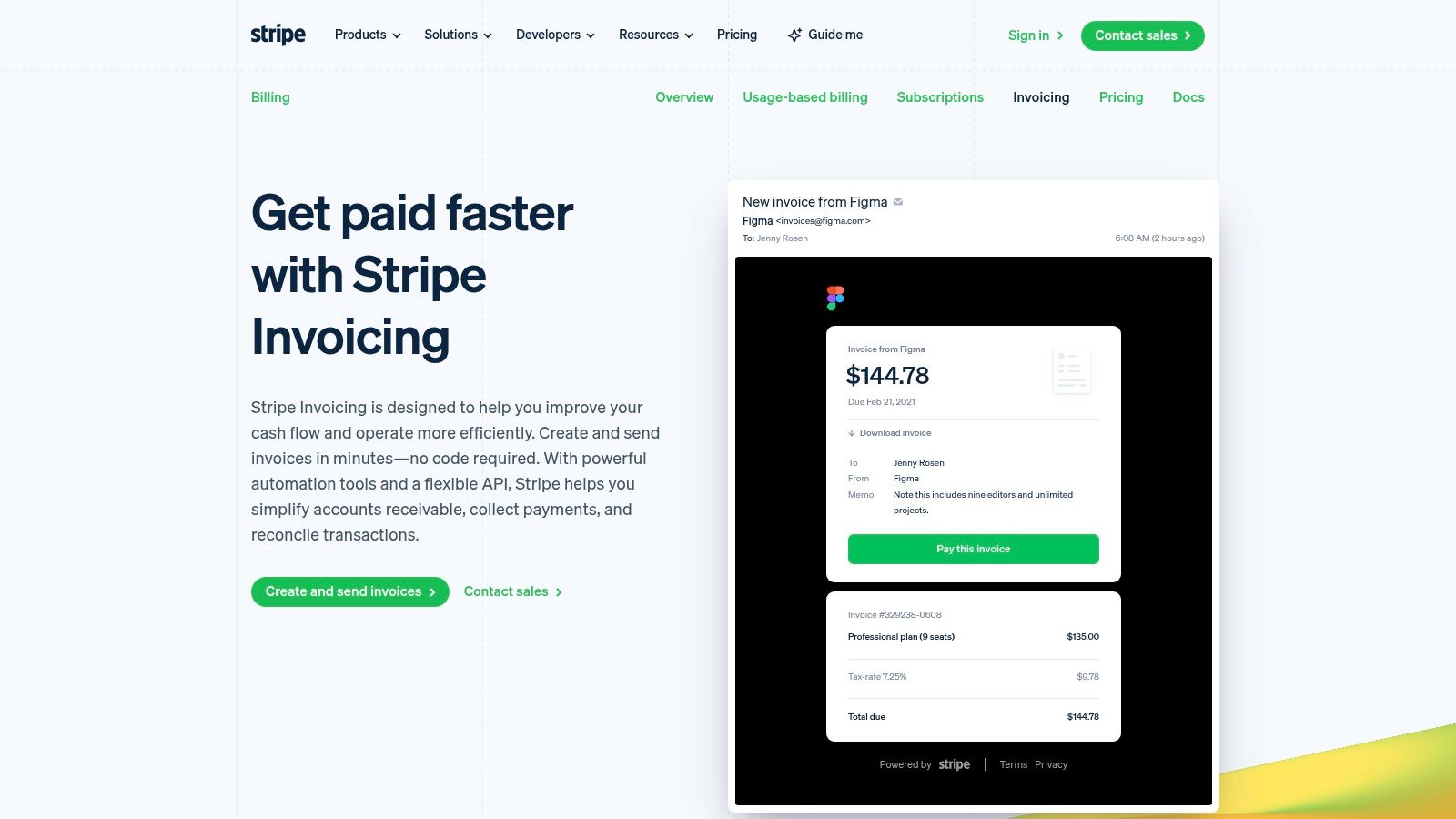
Stripe Invoicing is less about a downloadable template and more about a hosted invoice workflow that collects payment. If your priority is reducing the gap between “invoice sent” and “payment completed,” that distinction matters.
This is the kind of tool that makes sense when the invoice is part of a larger online payment operation. It's not the simplest option if all you need is a PDF, but it can be very effective if collection is the primary bottleneck.
Best for payment collection inside the invoice flow
The big benefit here is that the invoice and the payment action live close together. That usually creates less friction than asking the client to read a PDF, copy payment details, and complete payment somewhere else.
A few trade-offs are worth being honest about:
Strong fit: Businesses already comfortable with software-driven billing.
Useful feature set: Hosted payment pages and invoice branding help close the loop.
Downside: It can feel heavier than necessary for low-volume freelancers.
Digital invoicing still isn't universal. U.S. e-invoicing adoption was reported at 25%, described as comparable to Europe, in the FedPayments Improvement e-invoicing white paper. That helps explain why many businesses still mix PDFs, emails, portals, and manual payment steps instead of using one consistent invoice workflow.
If you're evaluating API-based invoice collection in more depth, this technical comparison of the Stripe invoicing API adds useful context. For the product itself, see Stripe Invoicing.
10. Smartsheet
Smartsheet is the best pick here if your main requirement is variety. Its library includes more than 50 free invoice templates across Word, Excel, PDF, and Google formats, which makes it useful when you need invoices for different jobs, industries, or payment scenarios from one place.
That range is especially handy for teams that aren't looking for a full invoicing app but do want better file options than a single generic form.
Best for teams that want lots of template variations
Smartsheet's spreadsheet-friendly approach is useful when operations people, admins, or finance-minded founders want editable files with some structure. You can also grab related tracking sheets, which helps if you still manage invoice status manually.
Where it shines:
Wide selection: Strong coverage across use cases.
Useful companion files: Helpful if you track invoice status outside software.
Spreadsheet comfort: Good for teams already working that way.
Where it doesn't:
Still static: No native payment collection or automation in the templates themselves.
Separate from workflow software: The template library and the broader platform are different things.
This fits businesses that want organized files, not a billing engine. If your team still works partly on paper, partly in spreadsheets, that's not unusual. Around 37% of businesses still rely on paper invoice receipts, according to DocuClipper's accounts payable statistics referenced by Tabs, which is a useful reminder that many companies are still in a mixed-format reality.
Top 10 Invoicing Templates, Feature Comparison
Product | Core features | Payments & AR capabilities | Target audience | Unique selling point / Pricing note |
|---|---|---|---|---|
Suby (recommended) | API-first payments, unified balance, shareable paylinks, recurring billing, multi‑chain crypto | Accept cards, wallets, bank, BNPL and crypto; settle to bank or USDC wallet; on‑chain swaps and gas sponsorship (per docs) | International SaaS, e‑commerce, creators, agencies, freelancers | Card + crypto under one roof; USDC settlement for faster cross‑border payouts. Pricing: per‑method (site cites 4% card example), verify pricing page |
Microsoft Create | Ready-made Word/Excel invoice layouts; Excel auto‑calcs | No built-in payment collection or AR automation | Users preferring local files, offline editing, spreadsheet formulas | Familiar Office environment; free templates for offline use |
Canva | Hundreds of customizable templates; drag‑and‑drop editor; mobile + desktop | No native AR automation or payment collection | Designers and brand‑focused freelancers/agencies | Fast visual branding and iteration; some assets require Pro |
Adobe Express | Curated templates with guided invoice maker; web/mobile editing | No built‑in payment collection or AR workflows | Users wanting polished templates with light editing | Polished Adobe designs and Stock integration; advanced features on Premium |
QuickBooks (templates) | Free templates in Word, Excel, PDF, Google formats | Manual sending and collections unless using QuickBooks software | Small businesses wanting simple downloadable files or path to QuickBooks | Truly free downloads in multiple formats |
Wave | Free templates + optional free invoicing app; mobile apps when using Wave | Optional invoicing software with reminders/tracking; payment processing fees if accepting online payments | Freelancers and very small businesses wanting a free on‑ramp | Free templates + easy upgrade to Wave invoicing; payment fees apply if used |
FreshBooks (templates) | Templates in Word/Excel/PDF/Google; invoicing guidance | Templates are static; full AR and payments available in FreshBooks software (paid) | Businesses wanting templates with optional accounting/invoicing upgrade | Large template library + guidance; advanced features require paid FreshBooks |
Zoho Invoice | Downloadable templates; free invoicing app with PDF customization, reminders, client portal | Free online invoicing with reminders and integrated payments (in app) | Small businesses seeking a no‑cost invoicing product | Full invoicing product available for free; advanced accounting in Zoho Books |
Stripe Invoicing | No‑code invoice creation, branded PDFs, hosted payment pages | Tight integration with online payments, multi‑currency and AR automation | Teams needing invoices tightly coupled to payment collection and AR workflows | Hosted payment pages + enterprise reliability; per‑invoice fees and payment processing fees apply |
Smartsheet | 50+ templates (Word/Excel/PDF/Google) with spreadsheet auto‑calcs | Static templates only; workflow automation requires Smartsheet paid platform | Teams wanting variety and spreadsheet‑friendly templates | Broad, curated catalog and auto‑calculating sheet versions; most downloads free |
From Template to Paid Streamline Your Invoicing
The right invoicing template saves time immediately. It gives you a repeatable format, keeps required fields visible, and reduces small mistakes that can slow payment down. That alone is worth doing well. A clean invoice looks more professional, and it gives both you and the client a clearer record of what was delivered, when it was billed, and how payment should happen.
But the template itself isn't the finish line. It's the handoff point between completed work and collected revenue. That's why I don't judge invoicing templates only by how nice they look. I judge them by how well they support the next step. Can the client understand what they owe, when they owe it, and exactly how to pay without emailing back with questions?
That's also where a lot of traditional invoice advice still falls short. Many guides explain what fields to include, but not how modern payment expectations affect the template. Customers increasingly expect broader payment choice, while many invoice formats still assume basic bank transfer instructions or a static PDF attachment. The growth of software-based invoicing and AI-driven invoice processing also points in the same direction. AI-driven invoice processing was projected to reach about 20% of the market in 2023 in the Parseur global trends analysis, which reflects a broader push toward structured data capture and compliance-aware invoice design.
For a freelancer or small business owner, the practical takeaway is simple. Start with the template that matches your current workflow, then remove friction from the payment step as fast as possible. If you mostly need local files, Microsoft Create or Smartsheet can be enough. If brand presentation matters, Canva or Adobe Express can do the job. If you want a bridge into software, Wave, FreshBooks, or Zoho Invoice are solid choices. If payment collection itself is the problem, tools like Stripe Invoicing or Suby become much more relevant.
Suby stands out because it treats invoicing as part of payment infrastructure, not as an isolated document task. Businesses can accept payments by card or crypto through a single API, and Suby also offers native Discord and Telegram integrations for subscriptions, paid access, and community use cases. In the invoicing flow, the client can pay how they want, and the business can receive funds the way it chooses, including bank settlement or stablecoins such as USDC.
That flexibility matters for international work. The goal is straightforward. Let customers pay any way they want, so you can get paid the way you choose. If you're dealing with cross-border billing or digital-first clients, that shift often matters more than the template design itself. For more context on invoice operations in regulated markets, this UAE e-invoicing success guide is a useful additional read.
Suby is a payment gateway and Merchant of Record. Your customers pay with card, bank transfer, Apple Pay, Google Pay, Klarna, and more, or stablecoins, and you get paid out to your bank account, or directly in stablecoins (USDC, EURC) to your wallet, anywhere in the world, no bank account required. It gives you an API, shareable paylinks, hosted checkout, and native Discord and Telegram integrations for subscriptions and paid access. For invoicing, that turns a static template into a payment path clients can act on immediately, so agencies, SaaS companies, creators, and freelancers billing internationally get paid the way they choose without chasing delayed payment.
