

Gaspard LEZIN
Which Platforms Have Transparent Pricing for Small Business Payments? (2026)
Which platforms have transparent pricing for small business payments? We compare 10 top providers to help you avoid hidden fees and choose the right option.
Tired of Hidden Fees? Let's Talk Real Payment Transparency
You delivered the work, sent the invoice, and the payment came through, but it's less than you expected. Sound familiar? Cross-border fees, conversion spreads, payout delays, and vague processor deductions have a way of showing up after the sale, not before it.
That's why small businesses keep asking which platforms have transparent pricing for small business payments, and the answer isn't as simple as “pick the lowest percentage.” A pricing page can look clean while the actual cost stays buried in international handling, delayed settlement, or operational work your team ends up doing by hand.
This guide gets to the point. It compares the platforms that are upfront about how they charge, and it also applies a tougher standard for transparency if you sell internationally. That means looking beyond headline card fees and asking what happens with FX, settlement timing, payout method, and the extra systems needed for subscriptions or community access.
If you want a quick primer on fee basics first, this breakdown on demystifying credit card charges is useful.
Table of Contents
Why Suby stands out
Where Suby fits best
What Stripe gets right
Best use case for Square
Where PayPal is clear, and where it gets messy
Who should consider it
Why finance-minded owners like Helcim
What matters most on Shopify
When the old-school route still makes sense
Who should keep it simple
Why software companies pick Paddle
Transparent Pricing Comparison: 10 Small-Business Payment Platforms
Your Next Step From Information to Action
1. Suby
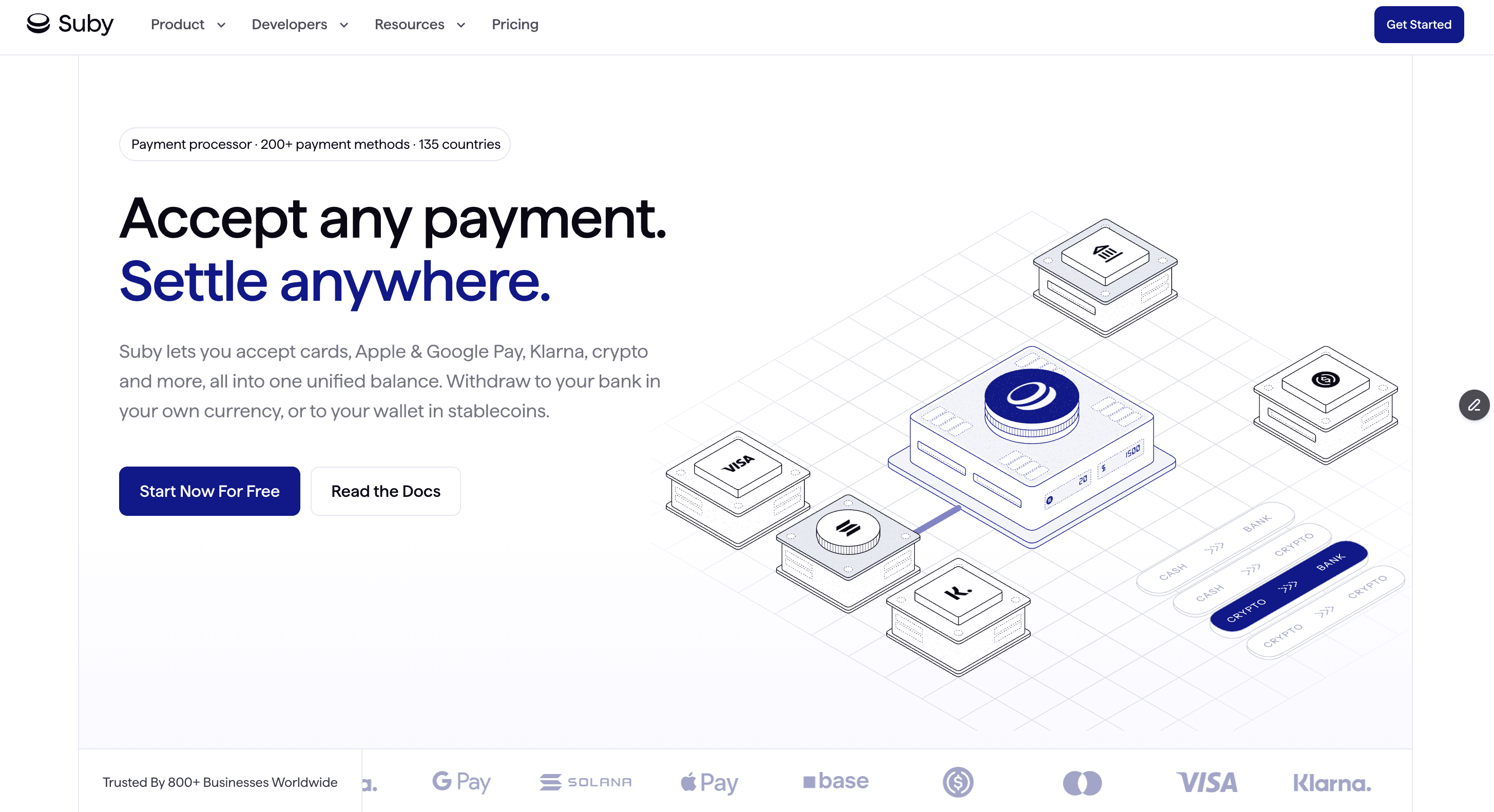
A small business in one country sells to customers in five others. The pricing page says one number for card processing, but the owner still has to figure out FX spreads, payout timing, banking rails, and what gets deducted before cash is usable. For a global business, that is the true test of transparent pricing.
Suby approaches that problem differently from traditional processors. It lets customers pay by card or crypto while the business receives settlement in USDC. That removes several layers where costs often become harder to predict, especially when revenue would otherwise pass through correspondent banks, local payout partners, and currency conversion before it reaches the merchant.
Why Suby stands out
Suby is built for businesses that sell online across borders and want the payment stack to stay simple. It offers paylinks, an embeddable checkout, API access, and webhooks. It also supports one-time payments and recurring subscriptions, plus Discord and Telegram integrations for paid communities, memberships, and gated access.
That combination changes the pricing conversation. Creators weighing storefront options often start by comparing tools like Payhip vs Gumroad before they realize the payment layer underneath matters just as much. A processor can publish a clean transaction fee and still leave the business paying for separate subscription management, access control, and cross-border payout workarounds. Analysts discussing recurring billing friction for creators and online sellers point to those extra operational layers in this analysis of recurring payments and creator monetization friction.
Practical rule: Transparent pricing is not just the charge to accept a payment. It includes what you pay to settle funds, convert currency, manage subscriptions, and deliver access after the payment clears.
Suby also states that merchants can accept card or crypto payments while keeping settlement on the merchant side in USDC. Teams comparing economics should review Suby's own explanation of payment gateway pricing, especially if they are comparing a traditional card processor against a hybrid model that shifts settlement away from fiat banking rails.
Where Suby fits best
Suby makes the most sense for SaaS companies, agencies, freelancers, ecommerce sellers, and creators with customers in multiple regions. Its strongest point in this list is that it addresses the payout side of transparency, not just the checkout fee.
The trade-offs are real. Businesses that need fiat settlement into a conventional bank account will still need a conversion and treasury process outside the platform. Finance teams also need to be comfortable with USDC settlement from an accounting, controls, and policy standpoint. That will be a benefit for some companies and a hard stop for others.
2. Stripe
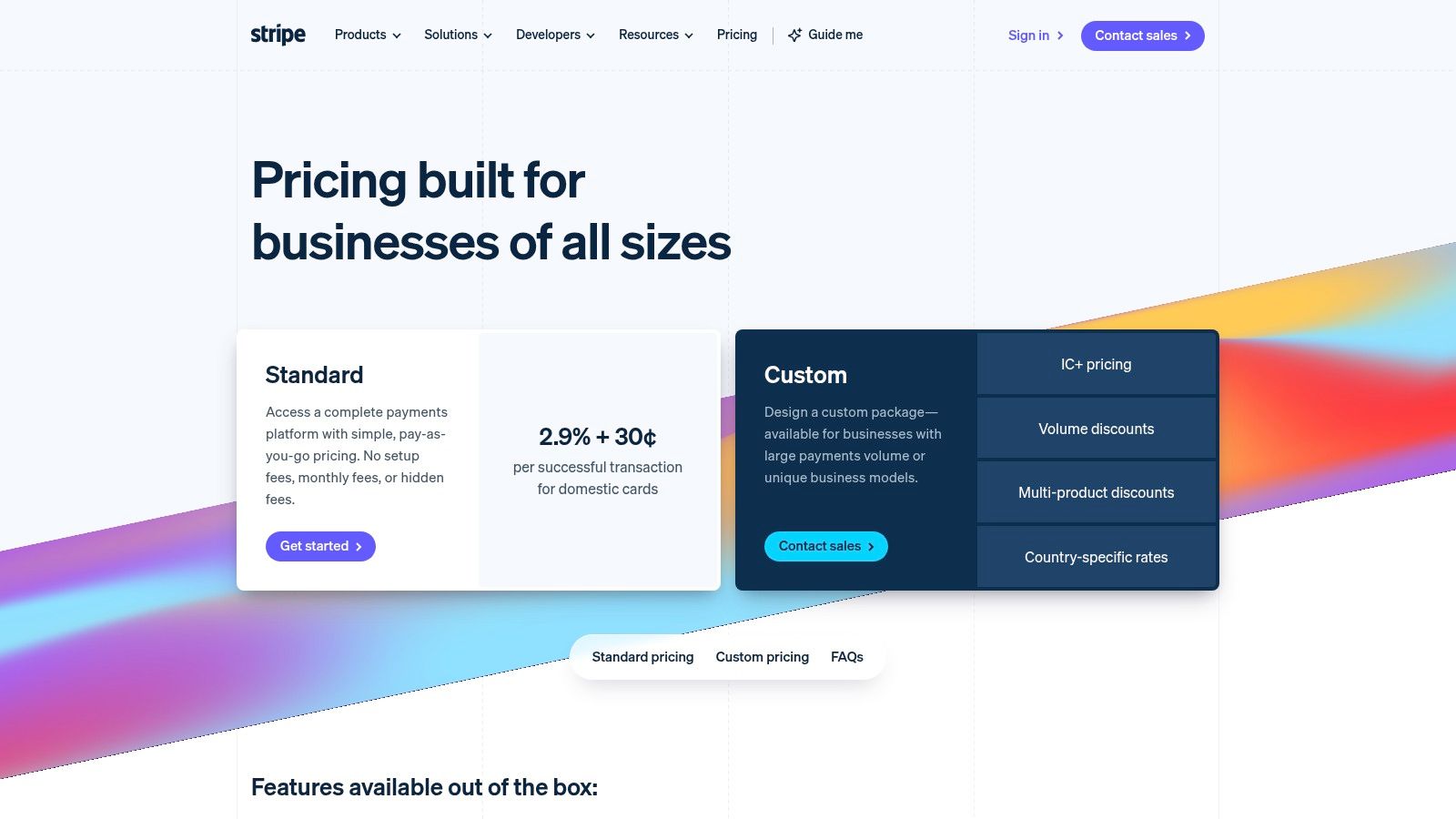
Stripe became the default answer for a lot of online businesses because the core pricing is easy to understand at a glance. Its standard online rate has been published at 2.9% + $0.30 per transaction since launch, with no monthly fees or setup costs, according to this pricing analysis covering transparent online processing models.
For small teams, that simplicity matters. You can launch quickly, connect checkout, invoicing, payment links, and developer tooling, and know the base card fee before you process your first order.
What Stripe gets right
Stripe's strongest advantage is clarity at the starting line. It avoids the “call sales for pricing” trap and gives online-first businesses a flat model that's easy to forecast. It's especially practical when your revenue is still uneven and you don't want a monthly subscription attached to the processor.
Its trade-off is that transparent base pricing doesn't always mean transparent total cost. Cross-border activity, some advanced features, and disputes can raise the all-in number if nobody on the team watches the details. That's why Stripe works best when someone owns payments as an operational function, not just a checkbox in onboarding.
Transparent enough for domestic SaaS, yes. Fully transparent for global cash flow, not always.
If you're comparing it against alternatives, this review of what Stripe fees look like in practice is worth reading before you model margins. You can also review the current product and pricing details on Stripe's website.
3. Square
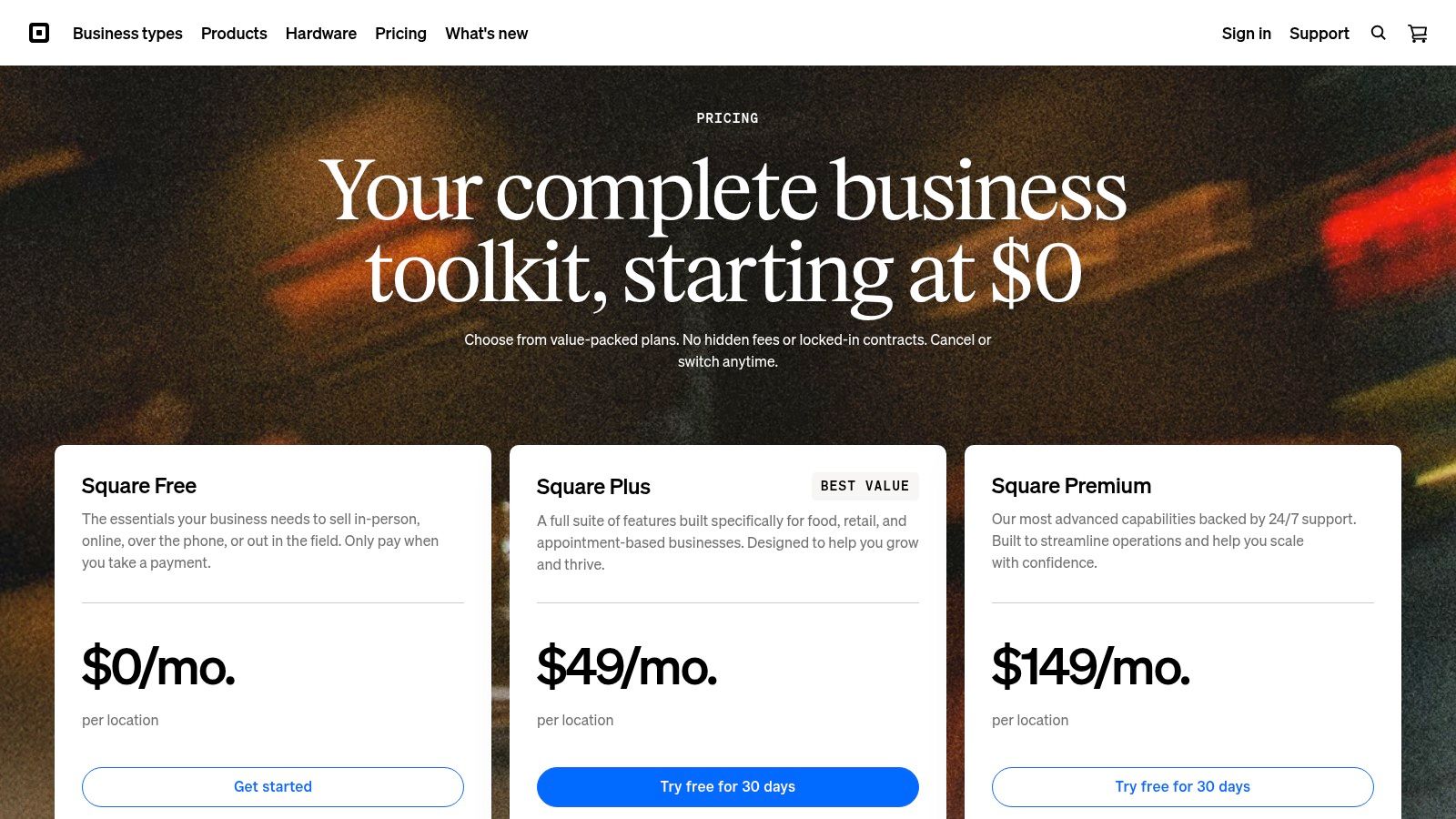
Square is one of the cleanest options for very small businesses that sell in person, online, or both, and don't want to decode processor jargon. Its base pricing is published clearly, including 2.6% + 15¢ in person and 2.9% + 30¢ online, according to this small business payment processing overview from Shopify.
That straightforward setup is a big reason Square has held on to small merchants. You don't need to understand interchange, hardware leasing structures, or layered gateway fees to get started.
Best use case for Square
Square is strongest for local retail, service businesses, mobile sellers, and startups that value simplicity over fee optimization. If your business is low volume, a flat published rate often feels better than a theoretically cheaper structure that's harder to audit.
Its weak spot is edge cases. Keyed entry costs more than in-person acceptance, and international or more specialized flows can change the economics fast. If your business starts with farmers markets and local appointments, Square is easy. If you later expand into recurring subscriptions or cross-border digital sales, the limits show up.
A good rule of thumb is simple:
Choose Square for low operational overhead: It's easy to understand and easy to deploy.
Be cautious if your business turns global: The headline rate stops telling the whole story once payout complexity enters the picture.
Review the live pricing page before rollout: Square's value depends on the exact payment mix you'll run.
You can check the current offering directly on Square's website.
4. PayPal
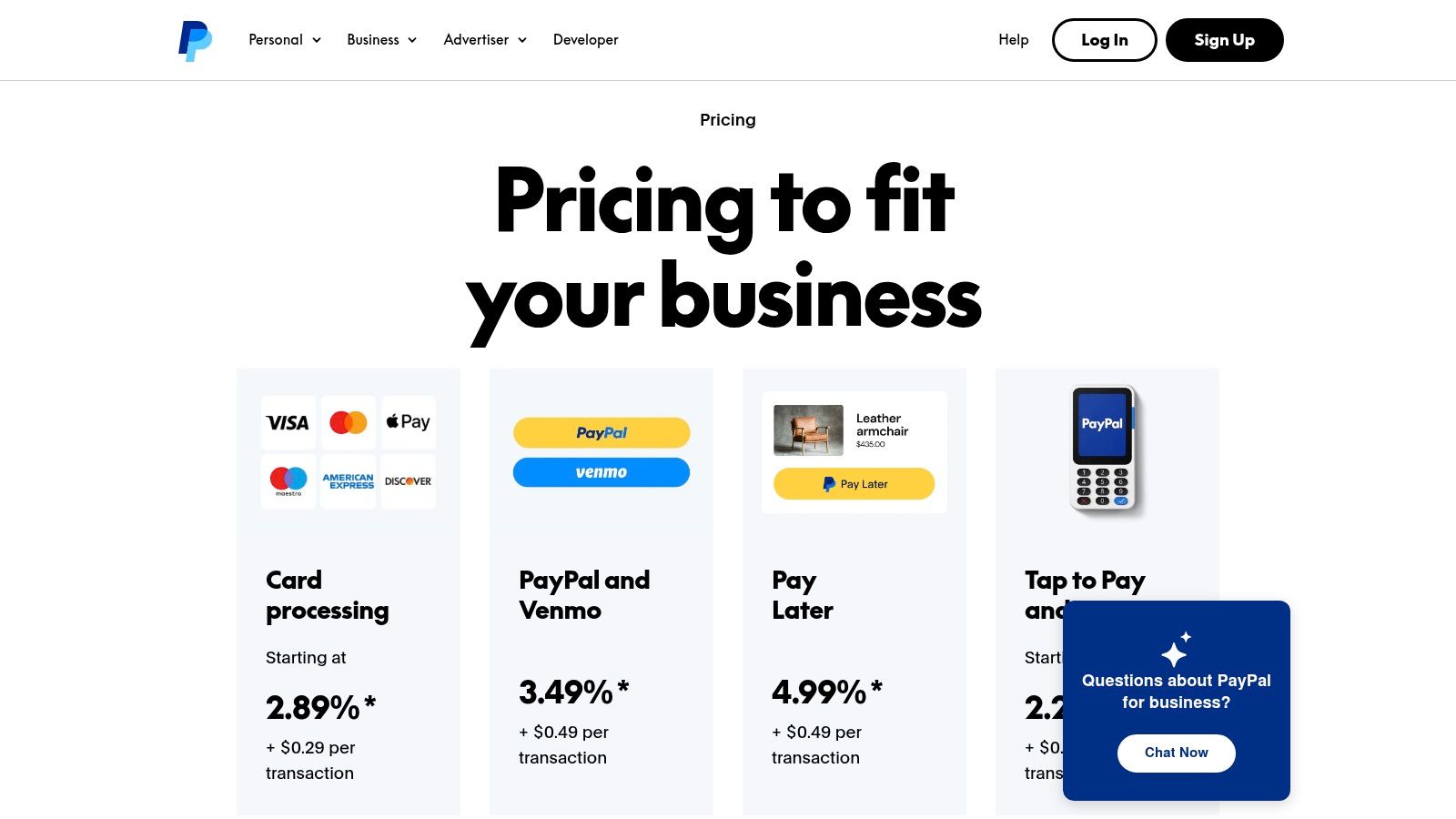
PayPal is transparent in a very PayPal way. The company publishes fees for different products and payment types, and that's better than hiding pricing behind a demo request. But the matrix can get complicated fast because wallet payments, cards, invoicing, checkout variations, and in-person acceptance don't always follow the same logic.
For many businesses, PayPal still earns its place because customers trust the brand. Adding it can help conversion, especially when buyers already prefer paying with their saved PayPal balance or Venmo.
Where PayPal is clear, and where it gets messy
PayPal is clear if you use it for a narrow job. Add it as a secondary wallet option, review the fee page carefully, and keep the setup contained. In that case, it's easy enough to work with.
It gets messy when merchants assume “PayPal” is one simple pricing model. It isn't. Product selection matters, and low-ticket sellers need to watch fixed-fee effects closely because those can hit margins faster than the percentage does.
The more products PayPal gives you, the more discipline you need in setup.
My practical view is that PayPal works well as an add-on, not always as the center of your payment architecture. If you already have a processor for primary card acceptance, PayPal can complement it. If you want one clean system for global subscriptions, settlement, and reporting, it often feels fragmented.
You can inspect the live fee schedule on PayPal's business fees page.
5. PayPal Braintree Enterprise Payments
PayPal's enterprise payment stack, often associated with the Braintree brand, is the more serious option for companies that need cards, PayPal, Venmo, wallets, and ACH under one integration. What I like here is that the fee documentation tends to be more explicit than many enterprise processors that default to “custom pricing” with very little public guidance.
That matters if you're a scaling business trying to compare options without spending weeks in sales cycles. Public fee schedules and PDFs don't solve everything, but they do reduce guesswork.
Who should consider it
This is the right lane for companies with more complex payment method needs and internal technical resources. If your stack includes cards, ACH, wallets, and marketplace-like payment behavior, PayPal's enterprise setup can be easier to justify than consumer-facing PayPal alone.
The downside is that enterprise product naming and packaging can confuse teams that only know the older Braintree label. Standard published rates may also look less attractive than simpler SMB-first tools unless you specifically need the broader method coverage.
A few practical realities:
Use it when method breadth matters: Cards alone don't justify the complexity.
Expect more implementation work: This isn't the easiest option in the list.
Treat public pricing as the floor, not the whole story: Enterprise setups often involve negotiation and optional add-ons.
For current details, review PayPal Enterprise Payments.
6. Helcim
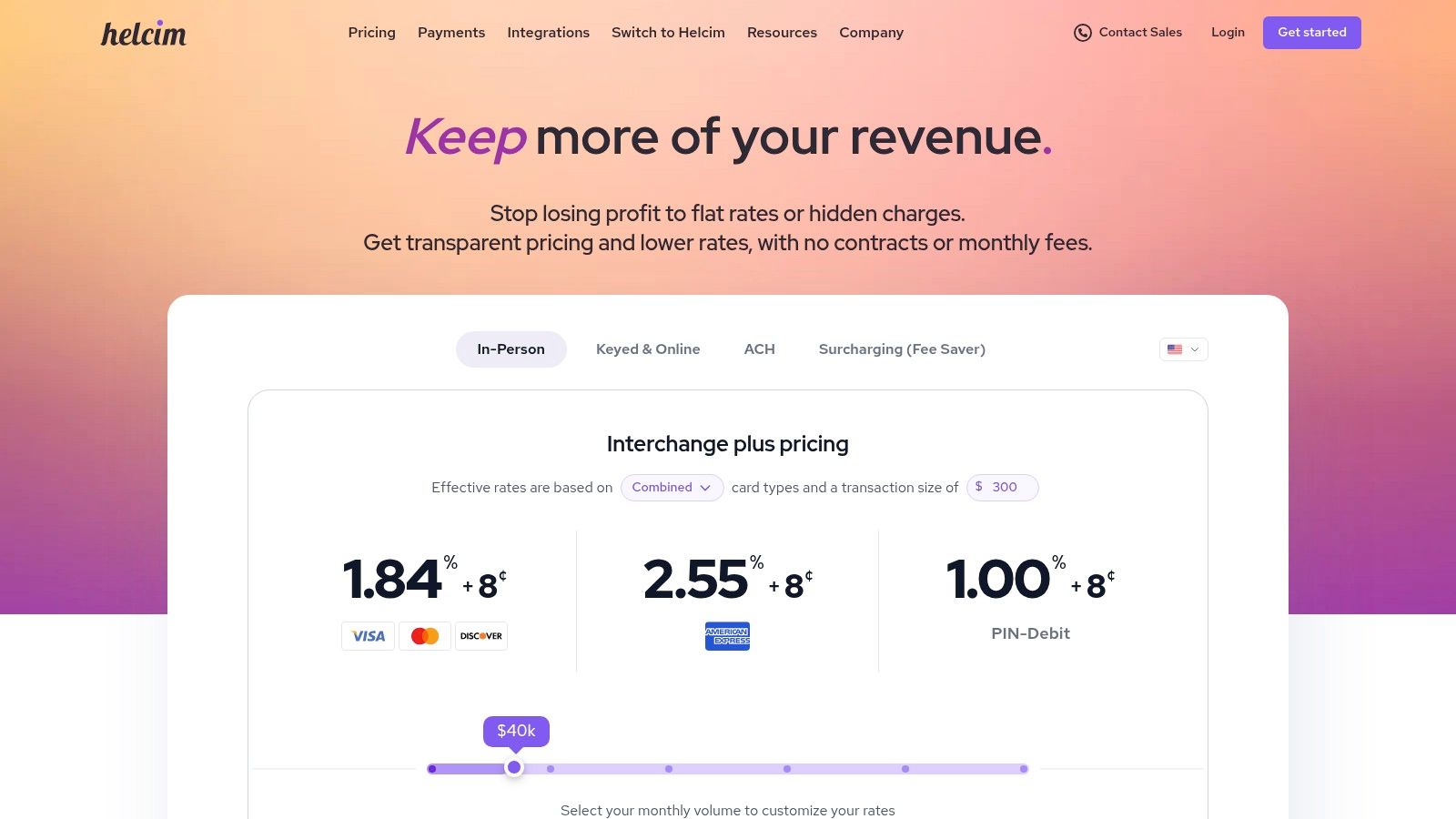
Helcim is one of the few platforms where “transparent pricing” means showing the underlying structure, not just posting a blended rate. It launched in 2006 and uses interchange-plus pricing with no monthly fees, long-term contracts, or minimums, with average rates around 2.27% + $0.25 per transaction, according to this NerdWallet-linked overview of payment processor pricing.
For owners who hate black-box pricing, Helcim is refreshing. You see the card-network cost and the processor margin instead of getting one flat number with no explanation.
Why finance-minded owners like Helcim
Helcim is well suited to businesses that process enough volume to care about cost structure, and to operators who don't mind learning basic interchange concepts. That's the trade. More visibility usually means slightly more complexity.
The upside is that transparent interchange-plus models have gained traction because many small businesses were overpaying under opaque pricing systems. If you're cost-sensitive and willing to look at your card mix, Helcim is one of the most credible SMB choices in the market.
It's less ideal for owners who want every month to look exactly the same. With interchange-plus, your effective rate changes with card mix and transaction profile. That's honest pricing, but it isn't always predictable pricing.
You can review the current details on Helcim's pricing page.
7. Shopify Payments
If you already run your store on Shopify, Shopify Payments is often the most transparent option inside that ecosystem. The reason is simple. Shopify shows plan-based card rates, and it also makes the cost of using a third-party gateway explicit. That second part matters because many merchants compare only the processor fee and forget the platform surcharge.
For ecommerce operators, this is one of the clearest examples of context-dependent transparency. The pricing itself may be easy to understand, but only if you read it with your Shopify plan and sales channel in mind.
What matters most on Shopify
The first question isn't “Is the rate competitive?” It's “What happens if I don't use Shopify Payments?” For many stores, that answer changes the math more than the processor's base fee.
That's why Shopify merchants should compare total checkout cost, not just processor cost. If you're evaluating options from the margin side, this guide on how to optimize Shopify transaction costs is a useful companion.
Shopify Payments is best for merchants who want native simplicity and fewer moving parts. It's weaker for businesses that need payment flexibility outside Shopify's preferred setup, or for teams trying to centralize payments across multiple channels beyond the store.
You can review the current offer at Shopify Payments.
8. Authorize.Net
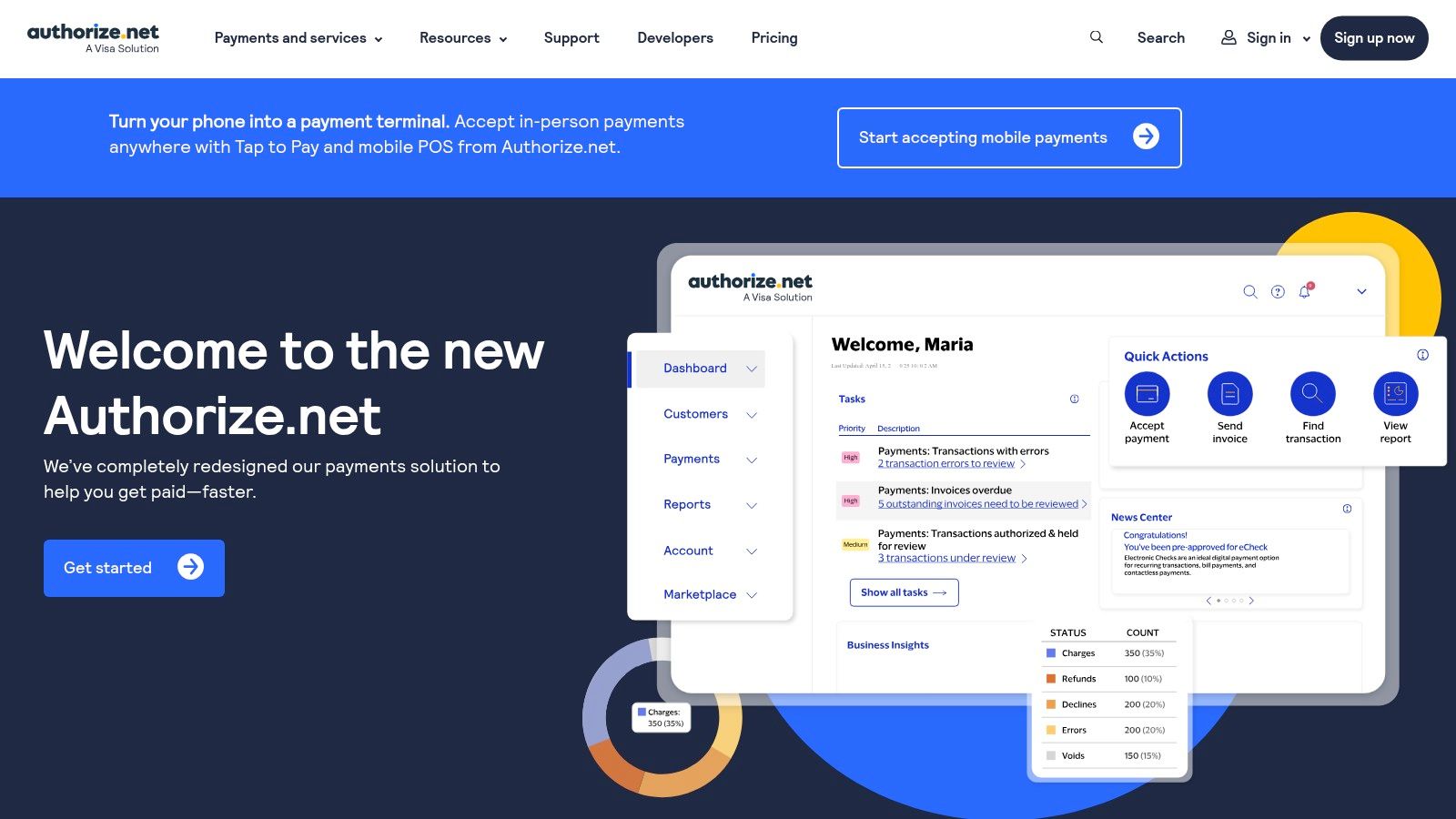
Authorize.Net has been around long enough that some founders dismiss it as legacy by default. That's a mistake. Old doesn't always mean opaque. In this case, the platform is fairly clear about the difference between gateway-only pricing and all-in-one pricing, which is more than you can say for plenty of newer providers.
That split matters if you already have a merchant account and don't want to replace it. You can use Authorize.Net as the gateway layer and keep the rest of your setup intact.
When the old-school route still makes sense
Authorize.Net works best for businesses that want a stable gateway, recurring billing, invoicing, and a known monthly structure. It's not the slickest product in this list, but it is direct about what you're buying.
The trade-off is complexity at setup. Compared with newer all-in-one PSPs, Authorize.Net can feel like it belongs to an earlier era of payments. More knobs, more configuration, more merchant-account thinking.
If you already understand merchant accounts, Authorize.Net feels structured. If you don't, it feels like homework.
That said, some businesses prefer structured. They'd rather pay a visible gateway fee and keep control than accept a bundled system they can't easily audit later. You can review current plans on Authorize.Net.
9. SumUp US
SumUp is for sellers who want the fewest possible pricing decisions. If you're taking payments at pop-ups, markets, appointments, or small retail counters, that simplicity is the product. The company's appeal in the US comes from clear in-person pricing, no monthly fee, and low-friction hardware.
For many micro-merchants, that's enough. In fact, it's often better than enough because it removes the temptation to over-engineer a tiny payments operation.
Who should keep it simple
SumUp is a strong fit for solo operators, side businesses, and very small teams with mostly in-person sales. The setup is easy to understand, and the financial model is hard to misunderstand. That's real transparency.
Where it falls short is online sophistication. If your business needs deep subscription logic, custom API-heavy flows, or international payout flexibility, SumUp isn't built for that kind of complexity.
The mistake I see is founders trying to stretch a simple in-person tool into a full global payment stack. That usually creates workarounds, and workarounds always have a cost even when the fee page looks clean. You can explore the current product on SumUp US.
10. Paddle
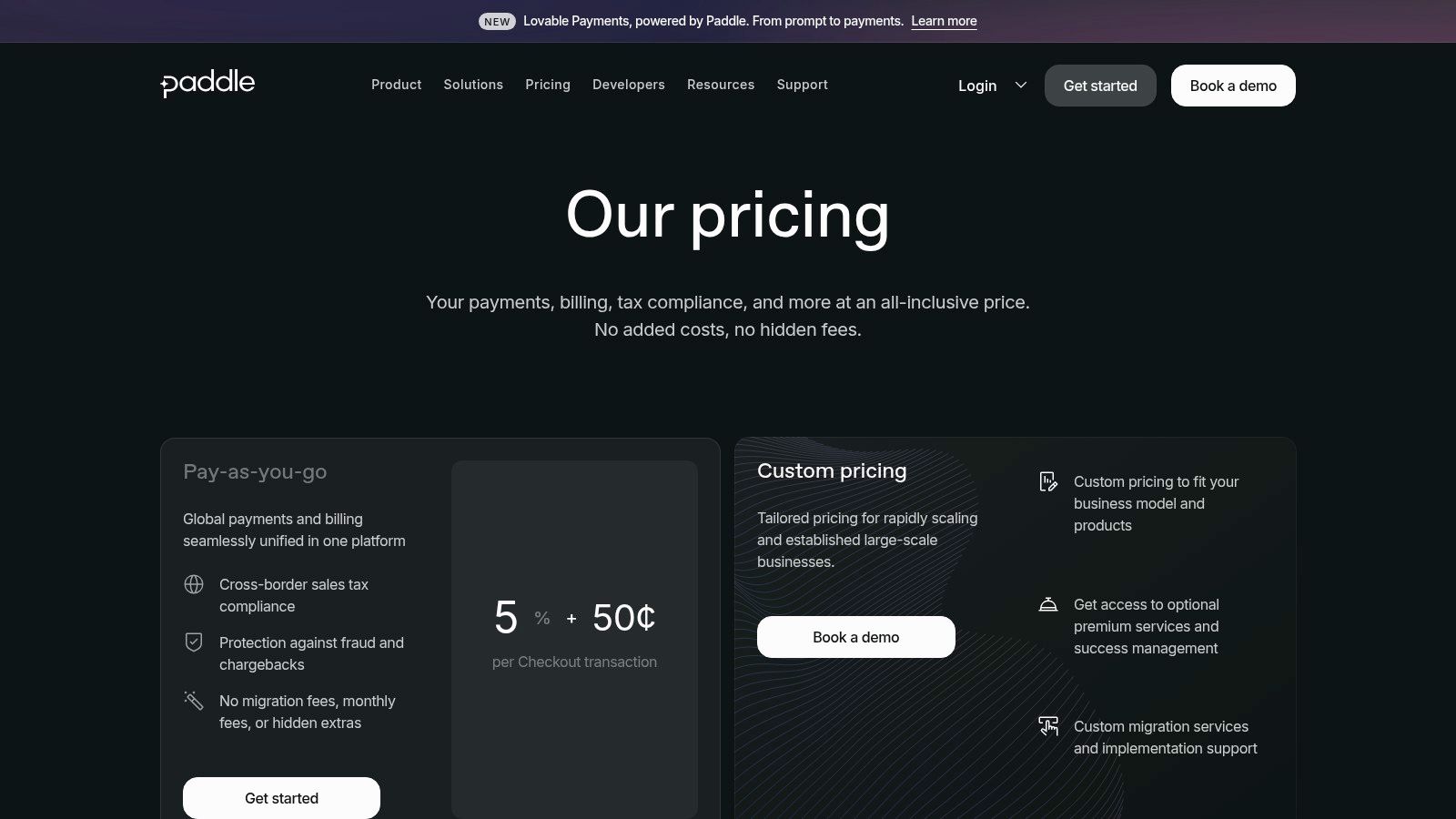
Paddle is the cleanest example of a different pricing philosophy. Instead of trying to be the cheapest visible card processor, it positions itself as an all-in-one merchant-of-record platform for software companies. In practice, that means the published fee is intended to bundle payments, billing, tax handling, and buyer support into one commercial model.
For SaaS founders, that can feel expensive at first glance. Then they compare it against a DIY stack plus tax tooling, subscription management, and compliance overhead, and the picture changes.
Why software companies pick Paddle
Paddle is transparent because it doesn't pretend the card fee is the whole job. It wraps compliance and billing into the same model, which is often the more honest way to price international software sales.
That said, merchant-of-record isn't for everyone. Some teams want full processor control, custom payment orchestration, or more ownership over the payment relationship. In those cases, Paddle can feel restrictive even if the pricing is clear.
For non-US founders, the broader comparison gets even more interesting. This breakdown of the best payment platforms for non-US founders is useful if you're weighing Paddle against more direct settlement models. You can also check the current structure on Paddle's pricing page.
Transparent Pricing Comparison: 10 Small-Business Payment Platforms
Provider | Core features | Payment methods & settlement | Target audience | Pricing & fees | Key differentiator & compliance |
|---|---|---|---|---|---|
Suby (recommended) | Paylinks, embeddable checkout, API & webhooks, subscriptions, Discord/Telegram access, real-time dashboard | Visa/Mastercard + crypto (USDC, USDT, ETH, SOL, BNB); merchants receive USDC to wallet (no bank/SWIFT) | Global SaaS, e‑commerce, creators, agencies, freelancers | All‑inclusive, transparent fees (site cites ~4–5% range), verify on official pricing page | Stablecoin‑native USDC settlements for predictable payouts; PCI‑DSS Level 1 partner; layered fraud protections; zero‑fee refunds |
Stripe | Unified APIs, Checkout, Payment Links, invoicing, SDKs | Cards, ACH, wallets, stablecoins; fiat payouts to bank | Developers, scaleups, global businesses | Pay‑as‑you‑go base rates + optional add‑ons (cross‑border, Radar), see Stripe pricing | Extensive ecosystem & docs; Radar fraud tools; broad payment method support |
Square | POS + online checkout, invoicing, hardware, payment links | Card acceptance (in‑person & online); fiat payouts to bank | Retail & omnichannel SMBs, in‑person sellers | Plan‑based published rates for in‑person/online; clear rate tables | Integrated omnichannel platform with simple in‑person pricing |
PayPal | Wallets (PayPal, Venmo), cards, BNPL, POS & virtual terminal | PayPal/Venmo + cards; fiat payouts to bank/wallets | Merchants wanting wallet ubiquity, marketplaces | Product‑specific published fee tables; wallet transactions often carry higher fixed fees | Ubiquitous brand that can boost conversion; distinct product pricing |
PayPal Braintree | Full‑stack cards, PayPal/Venmo, wallets, ACH; enterprise features | Cards, PayPal/Venmo, ACH; fiat payouts | Enterprise merchants needing broad method coverage in one integration | Published US fee schedules and interchange/plus options | PayPal enterprise offering with transparent fee PDFs and fraud/chargeback add‑ons |
Helcim | Interchange‑plus pricing, ACH, volume discounts, educational tools | Card acceptance + ACH; bank payouts | SMBs wanting transparent interchange‑plus pricing | Interchange + posted margin tiers that fall with volume | “Cost + margin” transparency; margins decrease as you scale |
Shopify Payments | Built‑in gateway for Shopify stores, storefront integration, currency rules | Card payments (fiat); payouts to bank; third‑party gateway surcharges documented | Shopify merchants / ecommerce SMBs | Plan‑specific published rates; avoids Shopify surcharges when used natively | Native storefront integration and documented currency/fee rules |
Authorize.Net | Gateway (All‑in‑One or Gateway‑Only), invoicing, recurring billing | Cards and eCheck (ACH); bank payouts | Merchants needing flexible gateway options or existing merchant account | $25/month gateway fee (All‑in‑One) + per‑transaction/batch fees for Gateway‑Only | Long‑standing, predictable gateway with invoicing and ARB features |
SumUp (US) | Mobile card reader, app, simple POS workflow | In‑person card acceptance; flat published in‑person rate; limited advanced APIs | Micro & small merchants selling in person | Single published in‑person rate; no monthly fee | Very simple, low‑friction mobile acceptance and affordable hardware |
Paddle | Merchant‑of‑Record (payments, tax/VAT, billing, support) | Card & wallet acceptance via MoR; payouts net of Paddle fee | Software/SaaS companies wanting bundled global sales solution | All‑inclusive MoR fee published (covers payments, tax, support) | Handles tax/VAT and buyer support as part of MoR, simplifies global SaaS selling |
Your Next Step From Information to Action
If you've made it this far, you already know the core lesson. Transparent pricing isn't just a number on a pricing page. It's the full path from customer payment to usable revenue in your business.
Many small businesses face unexpected costs this way. They compare 2 providers by percentage alone, sign up for the lower-looking rate, and only later discover the total cost hiding in payout timing, currency conversion, dispute workflow, or the manual work needed to manage subscriptions and access. The processor didn't necessarily lie. It just didn't show the whole picture.
The most practical way to choose is to break your evaluation into three layers. First, look at the visible transaction fee. Second, check what happens after payment succeeds, especially settlement timing, payout destination, and any currency conversion. Third, look at the operational burden. If your team has to connect billing, community access, reconciliation, and churn handling with separate tools, your payment stack may be “transparent” on paper but expensive in practice.
This is especially important for international businesses. The research on this topic makes one thing clear. Traditional comparisons talk a lot about card percentages, but they often skip the hidden cost of FX spreads, payout delays, and cross-border operational friction. That gap matters most for SaaS companies, agencies, creators, and ecommerce brands that sell globally, and it applies just as much to membership businesses weighing a choice like Patreon vs Substack, where recurring revenue and payout terms shape the real cost.
For domestic merchants with simple needs, flat-rate platforms like Square are often good enough. For businesses that want more cost breakdown and lower processor markup at scale, Helcim is a strong contender. For ecommerce sellers already committed to Shopify, native payments usually make the math cleaner than adding outside processors. For software companies that want billing and tax bundled together, Paddle can justify its model. And for businesses that prioritize cross-border transparency, settlement in USDC changes the conversation because it removes several layers of banking friction from the payout side.
The best platform isn't the one with the prettiest headline rate. It's the one whose real cost still makes sense six months after launch.
Shortlist two or three serious contenders. Then go to their live pricing pages and test them against your actual sales pattern. Domestic or global. One-time or recurring. Low-ticket or high-ticket. Bank payout or USDC settlement. Simple checkout or community monetization.
That's how you answer which platforms have transparent pricing for small business payments without getting fooled by marketing copy.
Suby is a payment gateway and payment processor. Your customers pay with card, bank transfer, Apple Pay, Google Pay, Klarna, and more, or stablecoins, and you get paid out to your bank account, or directly in stablecoins (USDC, EURC) to your wallet, anywhere in the world, no bank account required. With paylinks, checkout, subscriptions, and native Discord and Telegram access under one all-inclusive fee, it makes pricing for small business payments transparent on the payout side too, not just the headline checkout rate where cross-border sellers usually get surprised.
