

Gaspard LEZIN
10 Best Alternatives to Postman for API Testing in 2026
Explore the top 10 alternatives to Postman for 2026. Our guide compares the best desktop, web, and CLI API clients to help you find the right tool.
You're probably in one of two situations right now. Postman still works, but your workflow doesn't. Or Postman works fine for quick requests, yet your team now needs something more specific, like Git-friendly collections, editor-native testing, better gRPC support, self-hosting, or a cleaner path into CI.
That's why the market for alternatives to Postman keeps getting more attention. It sits inside a much larger API tooling shift. The global API management market was valued at USD 5.37 billion in 2023 and is projected to reach USD 32.77 billion by 2030, with a 28.4% CAGR from 2024 to 2030, according to BlazeMeter's review of Postman alternatives. That matters because API testing is no longer a side utility. It's part of core delivery infrastructure for product teams, QA teams, platform engineers, and payment integrations.
In practice, the best replacement depends less on feature parity and more on how your team works. Some tools are better if you live in the terminal. Some are better if every request should live beside application code in Git. Some are best when developers want to stay inside VS Code. Others are strongest when compliance rules mean API assets can't leave your network.
If you're testing a modern payments API, that distinction gets real quickly. You might need to validate card payment intents, webhooks, recurring billing flows, auth headers, and error conditions across local, staging, and production-like environments. For teams building checkout and subscription products, the API client isn't just a convenience. It's part of release quality.
Table of Contents
Why Insomnia works well for mixed protocol teams
Where Hoppscotch fits best
Why HTTPie works for CLI-first teams
Why Bruno is different
Best for editor-centered API work
Where Kreya stands out
Who should pick Yaak
Still useful when testing depth matters more than polish
Best for Mac-first teams that care about client UX
Why text-first still works
Top 10 Postman Alternatives Comparison
Final Thoughts
1. Insomnia (by Kong)
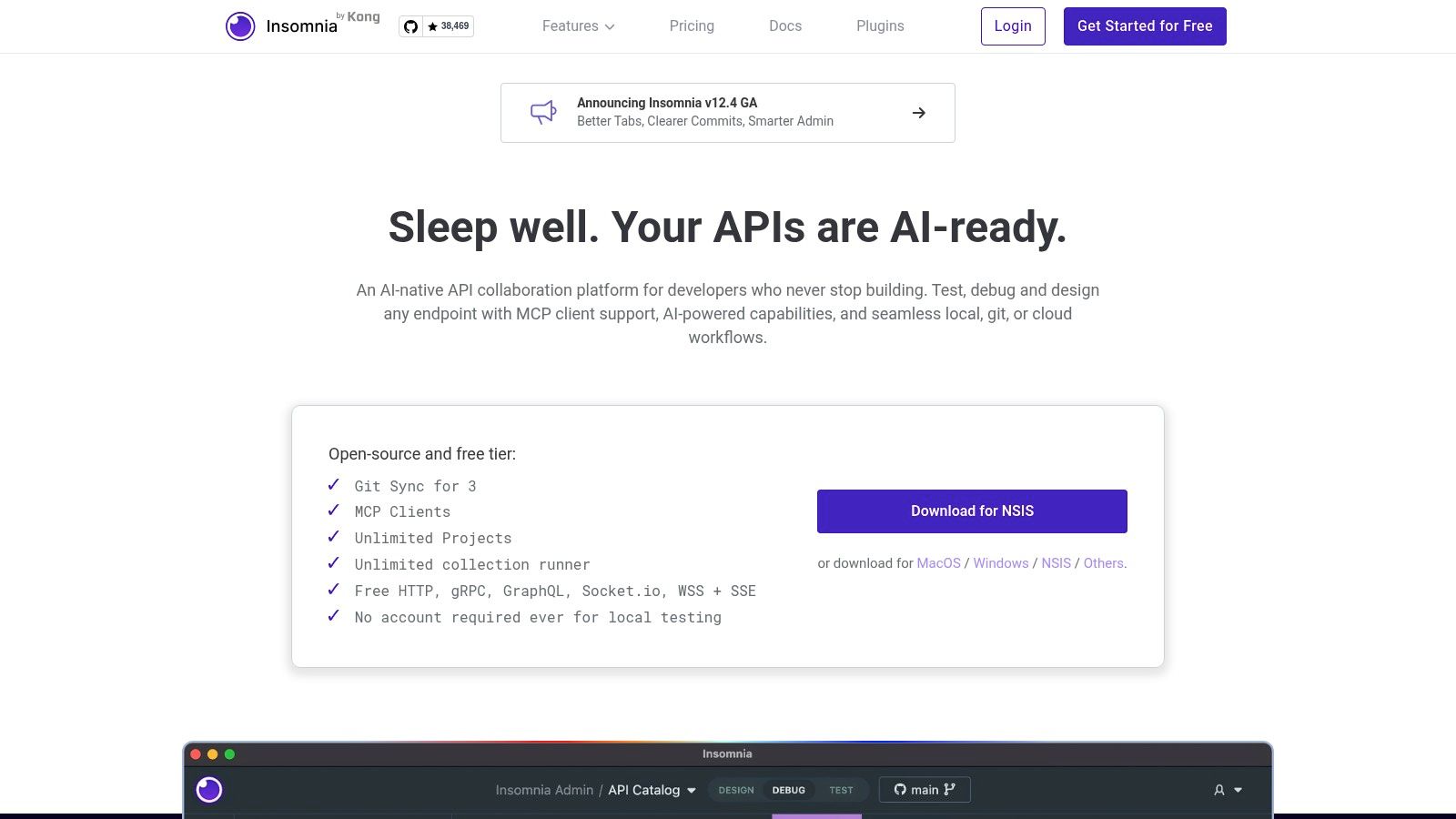
Insomnia is one of the easiest transitions for teams that want something familiar without staying locked into a single workflow style. It handles REST, GraphQL, gRPC, and WebSockets in one client, which makes it practical for backend teams working across older endpoints and newer service boundaries.
What I like most about Insomnia is that it doesn't force one storage model. You can work locally, use Git-backed flows, or use cloud sync depending on how your team collaborates. That flexibility matters when one team wants plain local control and another wants shared workspaces.
Why Insomnia works well for mixed protocol teams
Insomnia becomes useful when your API surface stops being purely REST. If you're testing payment creation endpoints, webhook callbacks, and internal gRPC services in the same week, switching tools gets old fast. Insomnia keeps that sprawl manageable.
Its CLI story is also stronger than many GUI-first tools. The Inso CLI gives teams a path from manual request exploration into automated validation inside CI/CD, which is usually where lighter clients start to show gaps.
Protocol coverage: Good fit for teams using REST plus GraphQL, gRPC, or WebSockets.
Workflow flexibility: Local, Git, and cloud-backed approaches can coexist.
Automation path: Inso helps move collections and tests beyond ad hoc desktop use.
Practical rule: Pick Insomnia when your team wants one client for several API protocols, but still needs a serious path into automation.
The trade-off is that some collaboration features sit behind paid plans, and heavier mock usage may require add-ons. That won't bother solo developers much, but it matters for larger teams trying to standardize one shared tool.
For payment teams, Insomnia is comfortable for day-to-day request iteration. If you're building something like a global payment API, you can use it to test card payment flows, subscription events, webhook retries, and auth scenarios without splitting that work across multiple apps.
2. Hoppscotch
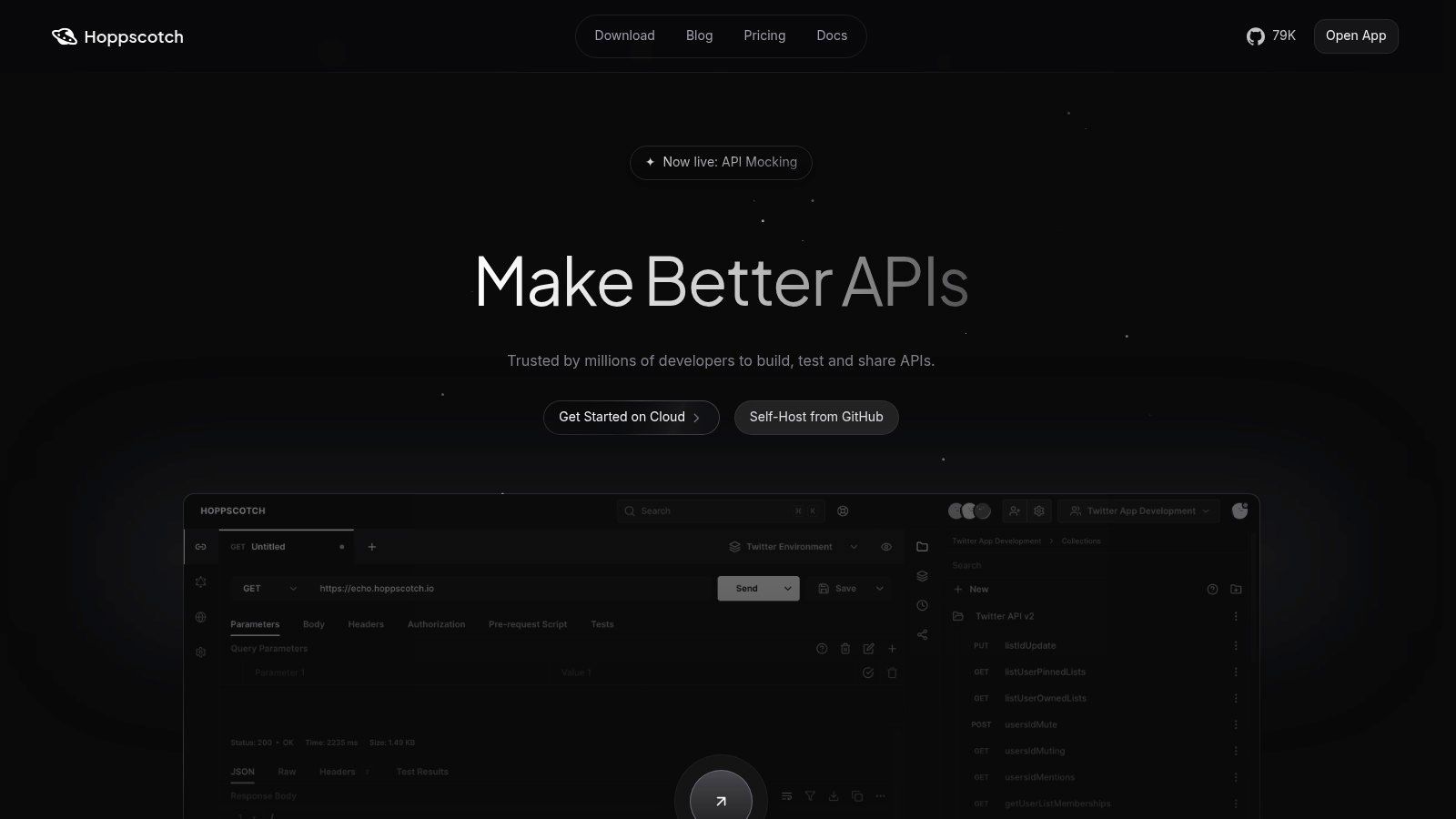
A frontend developer needs to hit a staging API, a backend engineer wants to verify a webhook response, and nobody wants to spend half an hour setting up a heavyweight client first. That is the kind of workflow where Hoppscotch makes sense.
Hoppscotch is a browser-first API client for teams that value speed of access over an oversized feature stack. You open it, send a request, inspect the response, and move on. For early API exploration, shared debugging, or onboarding a teammate who just needs to test an endpoint today, that low setup cost matters more than advanced automation features.
Its real advantage is workflow fit. Hoppscotch works best for teams that are web-native, collaboration-heavy, or wary of pushing API traffic and project data into a cloud-first vendor model. It also gives open-source and self-hosting options, which changes the conversation for teams dealing with internal APIs, regulated environments, or strict data handling rules.
A practical example is payment work. If you are validating auth headers, retry behavior, and webhook payloads during a payment gateway API integration project, Hoppscotch is fast for manual checks and quick handoffs between developers and QA. You can reproduce a failed request in seconds and share the exact call without forcing everyone into a heavier desktop workflow.
Where Hoppscotch fits best
I would put Hoppscotch in the browser-native lane, not the enterprise test management lane. It supports common API styles, imports from standard formats and other clients, and gives teams a straightforward way to migrate existing requests. That is useful if your requests are scattered across tools and you want one lightweight place to consolidate day-to-day testing.
It is less convincing as the center of an extensively scripted testing practice. If your team needs complex chained automation, broad governance controls, or a mature CI-first testing model, other tools in this list are stronger picks.
Best fit: Browser-first teams, frontend engineers, and small product teams that need quick API access.
Why teams switch to it: Fast startup, low friction, and self-hosted options.
Where it falls short: Less suited to large automated test suites and heavy process-driven API programs.
Pick Hoppscotch when the main problem is speed to first request, not building a full API operations stack.
That distinction matters. Some teams need an API client that feels close to the web app workflow they already live in. Others need a Git-native or CLI-first tool that can anchor testing, review, and automation. Hoppscotch is strongest in the first group.
3. HTTPie
A backend engineer debugging a failed payment retry at 2 a.m. usually does not want to open a heavy workspace, hunt through shared collections, and click through environment tabs. They want one command they can rerun, tweak, save, and drop into a script. HTTPie is built for that workflow.
Its core value is simple. Requests stay readable outside the app. You can keep them in shell history, paste them into incident notes, add them to a Makefile, or run them in CI without translating a GUI setup into something automation can use.
Why HTTPie works for CLI-first teams
HTTPie fits the CLI-first lane better than almost anything in this list. The desktop app helps with discovery, but the command line is still the product's center of gravity. That matters for teams where API calls quickly turn into repeatable checks instead of one-off manual tests.
I like HTTPie most in environments where the same engineer handles local debugging, documentation, and pipeline checks. The handoff is clean. Build the request once, keep the command, then reuse it wherever the work moves next.
Best fit: Backend teams, platform engineers, and developers who live in the terminal.
Useful workflow: Prototype a request, save the command, and run the same call in scripts or CI.
Main advantage: Commands are portable and easy to review outside a proprietary workspace.
A payments API is a good example. Suppose you are testing token creation, idempotency keys, webhook replay, and subscription renewal flows. HTTPie lets you run those calls from the shell with headers and JSON bodies that remain readable under pressure. If you are validating a Stripe-style flow, this practical Stripe payment API testing walkthrough maps well to the kind of command-based checks HTTPie is good at.
There are trade-offs. HTTPie is stronger for developers than for broad cross-functional collaboration. Product managers, QA, and support teams usually get more value from tools built around shared collections, comments, and visual organization. Some advanced team features also sit behind paid plans.
Choose HTTPie if your team wants API requests to behave like code and command-line tooling, not like assets trapped in a desktop client.
4. Bruno
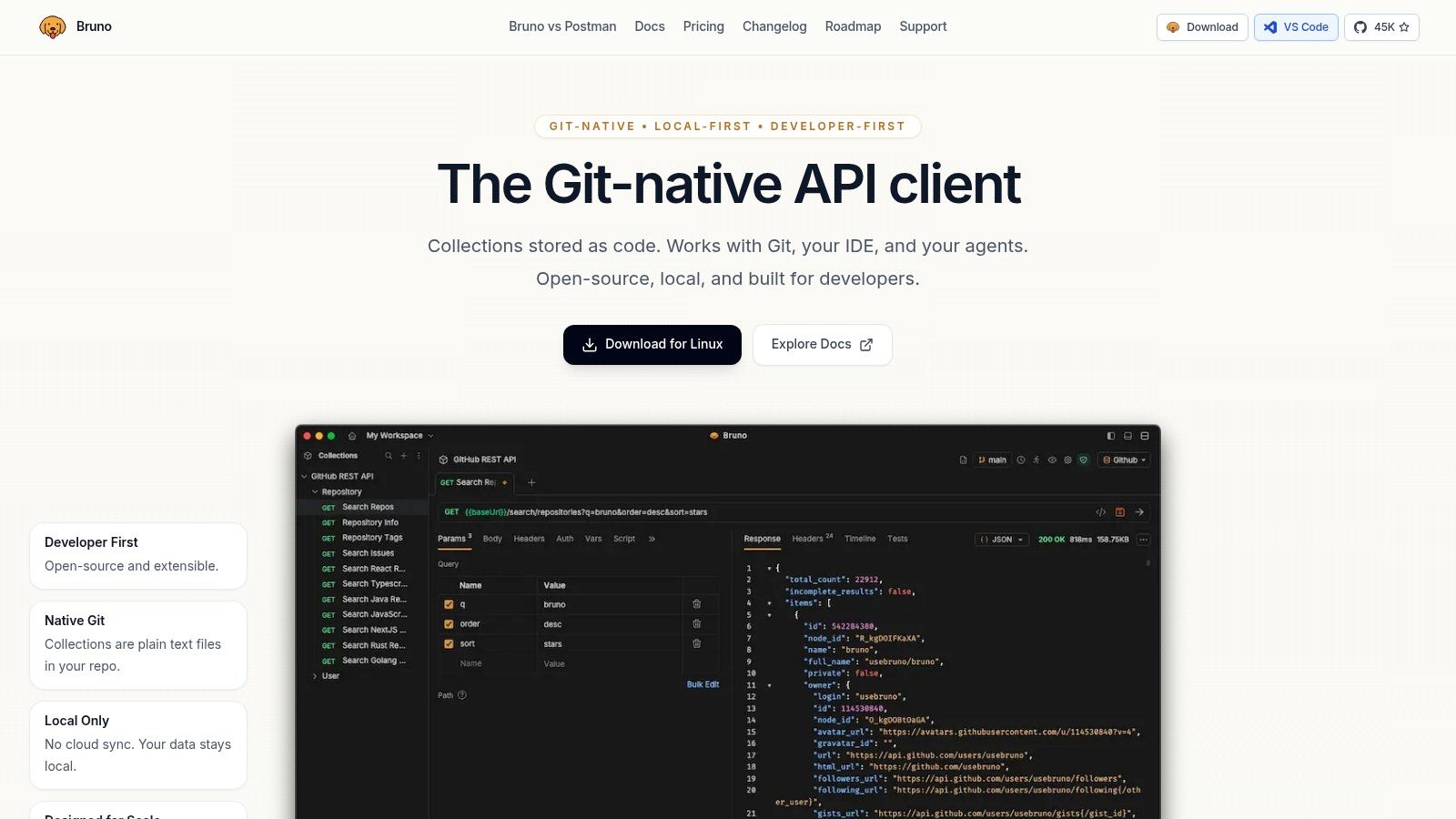
Bruno fits teams that already treat API requests as project files, not shared workspace artifacts. If your normal workflow runs through Git, pull requests, and local tooling, Bruno usually makes more sense than a cloud-first client.
That difference shows up quickly in day-to-day work. Collections live as plain-text files in the repo, so request changes sit next to application code, test fixtures, and environment config. Review is straightforward. You can inspect a diff, discuss a header change in a pull request, and merge it with the same process you use for everything else.
Why Bruno is different
Bruno's value comes from the workflow model. It keeps API work local, works well offline, and avoids pushing teams toward account-based collaboration by default. For engineering groups in regulated environments, internal platform teams, and companies that do not want API definitions drifting into another SaaS system, that is a practical advantage, not a missing feature.
I usually recommend Bruno to Git-native backend teams. It solves a specific problem well. Requests stay close to the code they validate.
That matters in real API projects. A payments integration is a good example. If you are testing tokenization, idempotency behavior, refund flows, and webhook retries, Bruno lets you store those requests with the service code and review changes as part of the same branch. A team working through a Stripe-style integration can map that process cleanly to this Stripe payment API testing walkthrough, especially when request definitions need to evolve with backend changes.
Best fit: Git-native engineering teams, security-conscious companies, and backend developers who want local control
Main advantage: Plain-text collections are easy to diff, review, and version with the codebase
Trade-off: Collaboration works best for teams already comfortable with Git workflows
Bruno is less compelling for mixed teams that need product, QA, support, and engineering to work from a shared visual workspace. Those groups often need comments, cloud sync, and broader non-developer collaboration features. Bruno is narrower by design.
Choose Bruno if your team wants API requests to behave like versioned project files. For code-centric workflows, that opinionated approach is often the reason it stays maintainable.
5. Thunder Client
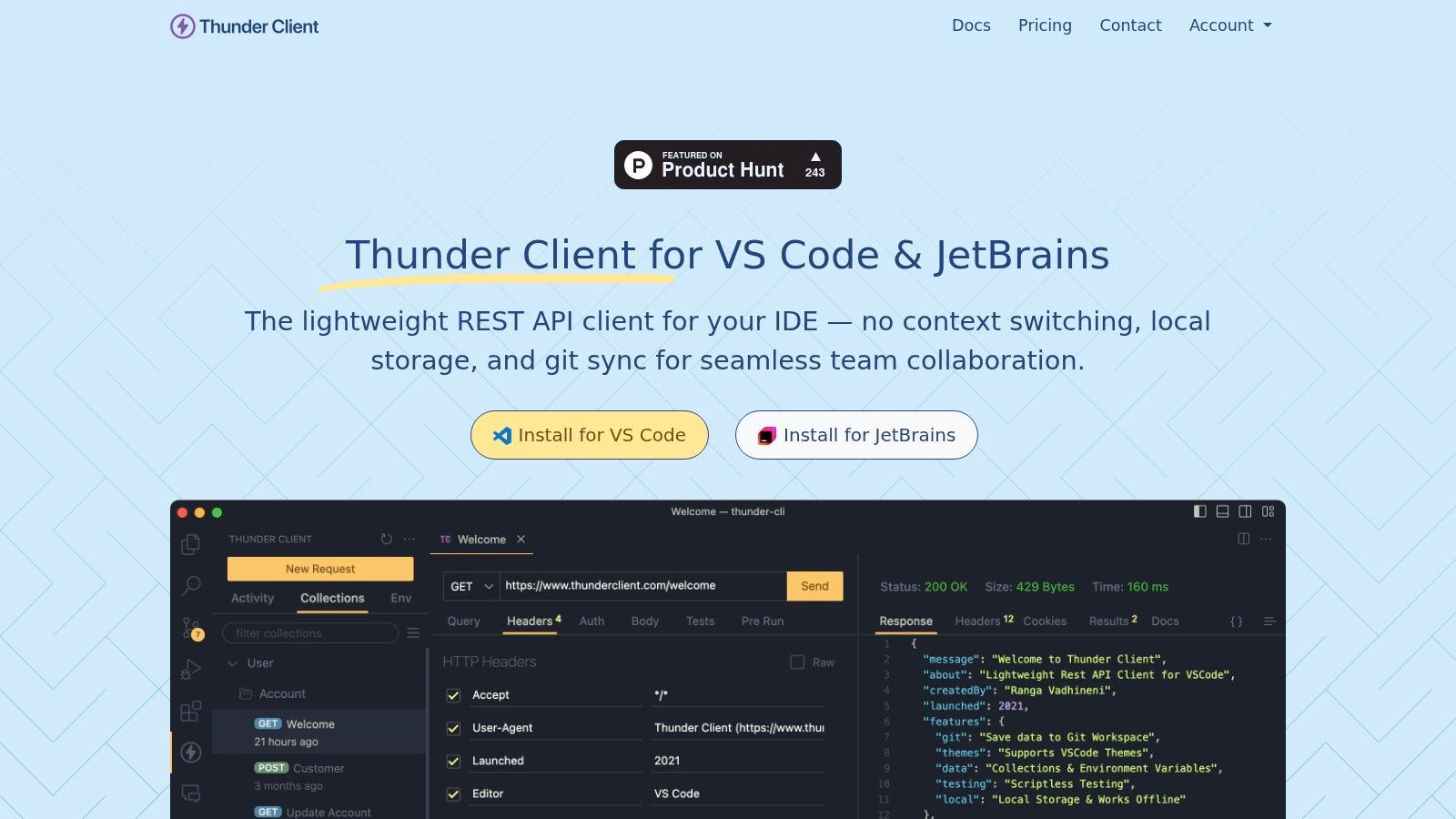
You are changing a handler in VS Code, your local server is running, and you need to replay the same request against three slightly different payloads before committing. In that workflow, opening a separate API client is friction. Thunder Client is appealing because it keeps the request loop inside the editor where the work is already happening.
That makes it a strong IDE-native option, not just a lighter Postman clone. For solo developers and small product teams, the value is less about giant collaboration layers and more about keeping feedback tight during implementation.
Best for editor-centered API work
Thunder Client is built for quick request-response cycles. You can define collections, add scriptless tests, and work with WebSockets, SSE, and gRPC without leaving VS Code. The practical benefit shows up during active development. Change code, rerun the request, inspect the response, and keep going.
This setup works especially well for payment flows. If you are implementing token creation, authorization, webhook handling, and retry logic, it helps to keep the endpoint code and the test requests in one place. During a Stripe-style build, that usually means faster checks on duplicate callbacks, failed authorizations, and refund edge cases. A guide to a Stripe payment API alternative is also easier to evaluate when the requests sit next to the service code you are editing.
Thunder Client also fits teams that want a local-first habit without adopting a fully Git-driven API client. It is simpler than tools built around file-based collaboration, and that simplicity is part of the appeal.
Best fit: VS Code-heavy developers, small engineering teams, and anyone who wants an IDE-native request workflow
Main advantage: Very low friction for ad hoc testing during implementation and debugging
Trade-off: Team collaboration, shared workspaces, and broader automation get limited faster than in heavier platforms
I usually recommend Thunder Client for build-and-debug work, not as the center of a large cross-functional API program. If engineering lives in the editor and needs speed more than process, it is a practical choice.
6. Kreya
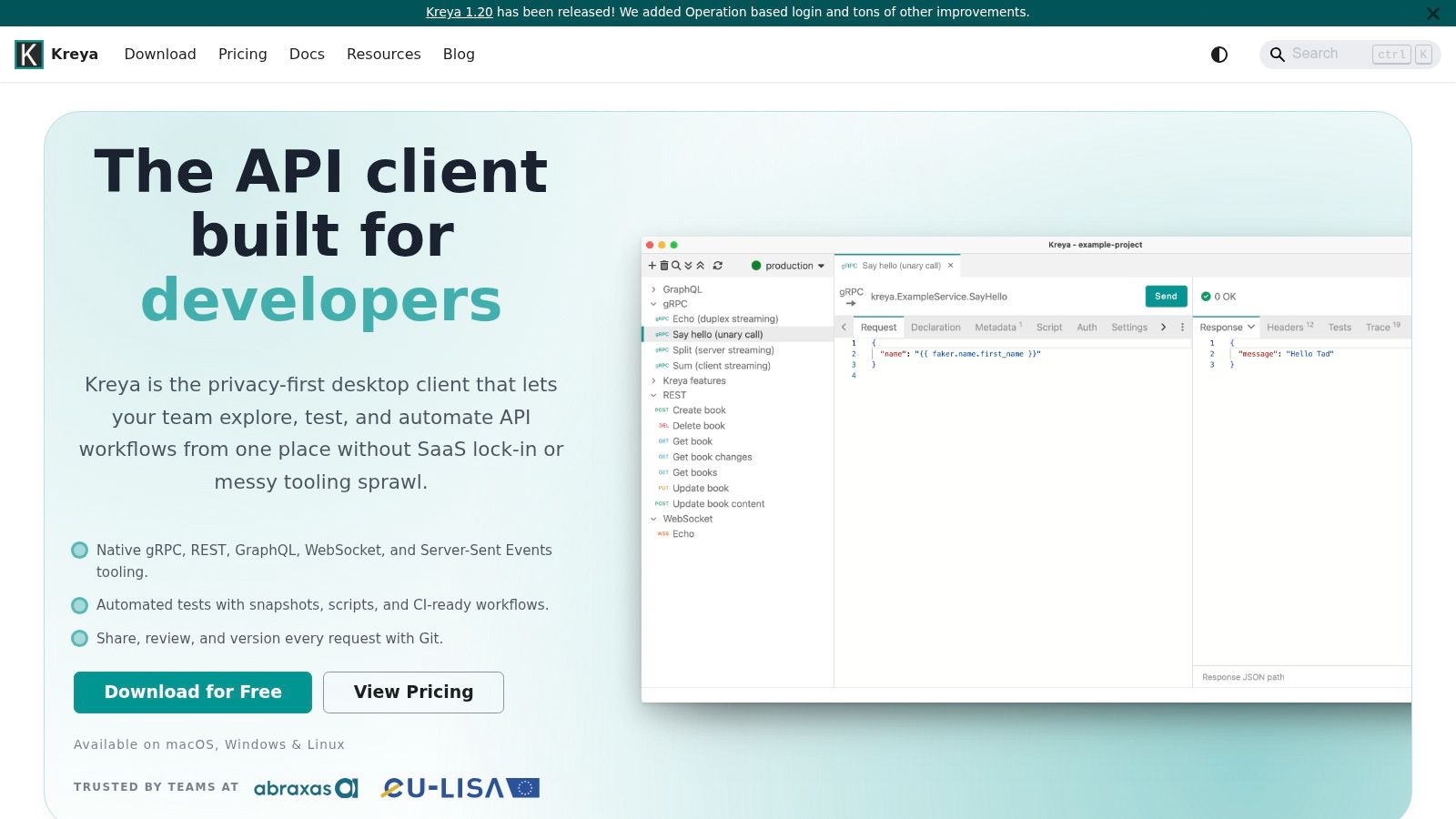
Kreya earns attention for one reason above all. It takes gRPC seriously without abandoning the rest of the modern API stack. If your team is juggling gRPC internally and REST or GraphQL externally, that balance is useful.
It's also built around privacy-first desktop workflows and local, Git-diffable files. That combination makes it appealing for engineering teams that want strong protocol coverage without defaulting to cloud-managed collaboration.
Where Kreya stands out
Kreya is particularly good for test automation that needs more structure than quick manual poking. Snapshot tests and scripting give teams a cleaner path to regression coverage than many lightweight clients. That matters for APIs that change often and need predictable contract checking between releases.
The local-file design also fits disciplined engineering teams well. When request definitions and test artifacts are diffable, reviews get easier and changes become easier to track over time.
Best fit: gRPC-heavy teams that still need REST and GraphQL coverage.
Testing strength: Snapshot-based regression checks are useful for stable contract validation.
Workflow strength: Local files support Git collaboration without requiring a SaaS layer.
Kreya's weakness is ecosystem maturity. It doesn't have the long tail of community familiarity that older tools do, so shared tutorials, plugins, and team habits may be thinner. Some advanced capabilities are also paid.
Still, for backend teams that want serious protocol support and privacy-first behavior, Kreya is one of the more thoughtful options in this space.
7. Yaak
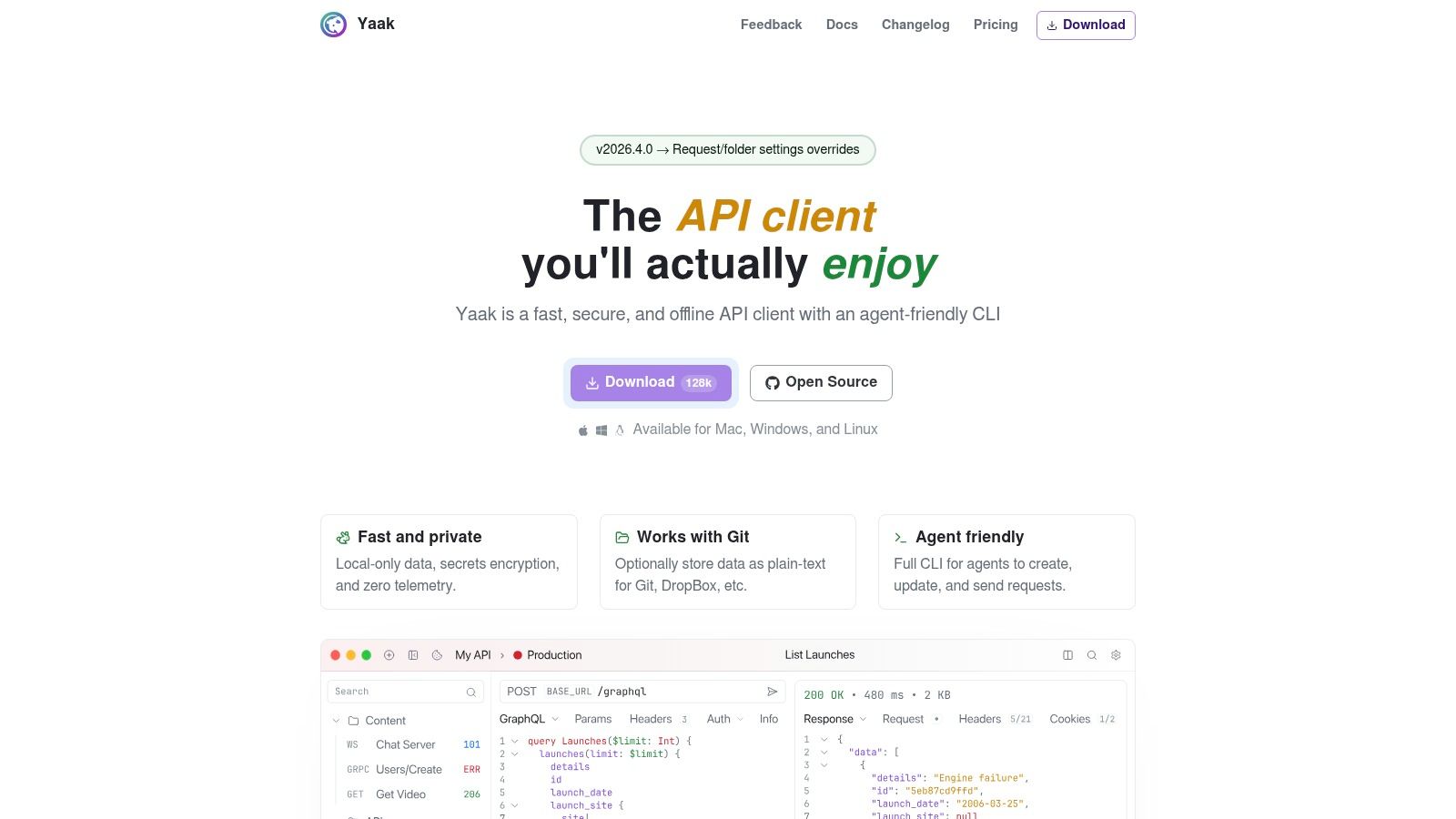
Yaak feels like a response to tool bloat. It's local-first, focused, and built for developers who want control without a lot of platform ceremony. That alone makes it stand out.
It supports REST, GraphQL, WebSockets, SSE, and gRPC, with encrypted secrets and optional Git-friendly plain-text storage. The CLI also makes it more than just a desktop request sender.
Who should pick Yaak
Yaak makes sense for engineers who liked older lightweight API clients before many of them shifted toward broader platform experiences. The UI stays clean, the local-control story is clear, and the command-line support gives it room to fit automation-heavy workflows.
I'd look at Yaak if your team wants privacy-first defaults but doesn't want something as minimal as a text-only request file workflow. It sits in a useful middle ground between GUI comfort and local ownership.
Best fit: Local-first developers who want modern protocol support without cloud-first design.
Good feature mix: GUI for exploration, CLI for scripted usage.
Trade-off: Smaller ecosystem than more mature incumbents.
Yaak is a good reminder that a better Postman alternative isn't always the one with more features. Sometimes it's the one that removes the least friction.
Because it's newer, teams may hit fewer integrations or a smaller plugin surface than they'd get with older products. If your workflow depends on a deep ecosystem, that matters. If your priority is privacy, speed, and clean local control, it may not.
8. SoapUI Open Source (SmartBear)
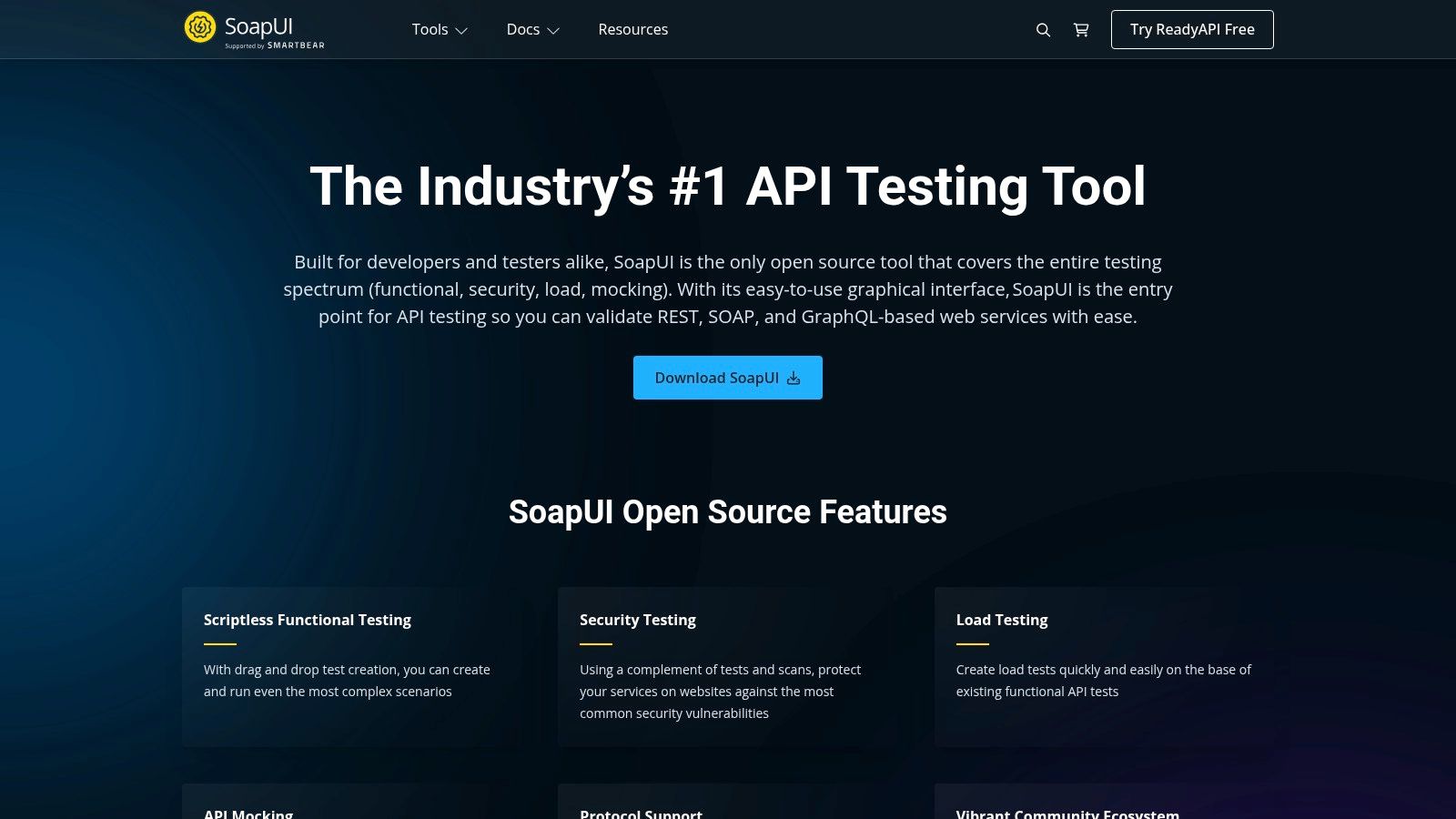
SoapUI Open Source is the veteran in this list. It doesn't win on sleekness, and it doesn't pretend to. What it still does well is functional testing depth, especially for teams dealing with SOAP alongside REST.
That matters more than some newer lists admit. Plenty of companies still run mixed estates with older enterprise services, newer REST APIs, and QA workflows that need assertions, mocks, and repeatable test coverage.
Still useful when testing depth matters more than polish
SoapUI makes the most sense when a QA team, test engineer, or integration team needs more than a convenient request runner. Its value is in structured testing habits. Assertions, mocking, and broader test-oriented workflows are all part of the appeal.
The UI does feel dated, and the footprint is heavier than lightweight alternatives. That can be annoying for developers who just want to hit an endpoint fast. But for test-driven API validation, maturity still counts.
Best fit: QA-heavy teams and mixed SOAP plus REST environments.
Practical strength: Built around testing discipline, not just request sending.
Main drawback: Heavier and less modern than newer API clients.
If your environment includes regulated integrations, internal enterprise services, or long-lived partner APIs, SoapUI can still be the right choice. It's not fashionable, but it remains useful.
9. Paw (RapidAPI for Mac)
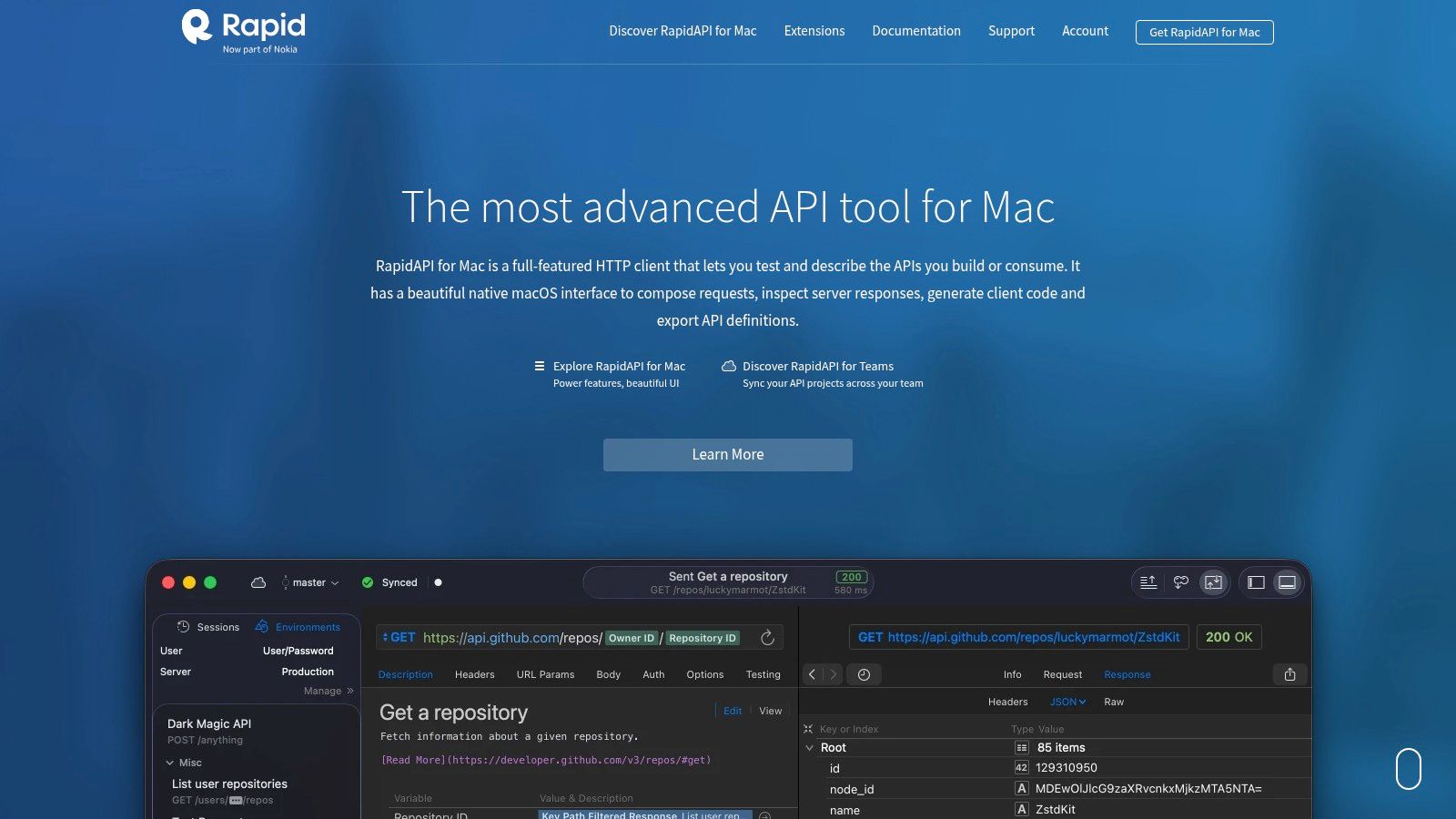
Paw is the most Mac-specific tool in the list, and that's exactly why some teams love it. It feels native, polished, and intentionally designed for developers who care about the client experience itself.
If your team is fully macOS and wants a refined request-building environment with strong auth handling, code generation, and previews, Paw is easy to appreciate. It's one of the few alternatives to Postman where platform-specific design is part of the value, not a limitation to work around.
Best for Mac-first teams that care about client UX
Paw is strongest when people spend a lot of time building and refining requests manually. Rich previews, notes, advanced auth flows, and migration support make it useful for API consumers, SDK-focused developers, and product-minded engineers who want a smoother client experience.
It's less compelling in mixed-OS teams because it's macOS-only. That one fact decides the evaluation for many companies before features even enter the conversation.
Best fit: Mac-based developers who want a polished native client.
Useful strengths: Good import and migration support, strong UX, rich request composition.
Main limitation: Not cross-platform.
I wouldn't pick Paw if the broader organization needs one standard tool across Windows, Linux, and macOS. I would pick it if a Mac-centric engineering team values a high-quality client and doesn't need cross-platform parity.
10. REST Client (VS Code extension by Huachao Mao)
REST Client is the most text-first option here. It strips API testing back to editable .http or .rest files inside VS Code and lets you run requests directly from the editor. For some teams, that sounds too simple. For others, it's exactly the right level of tooling.
The big advantage is clarity. Requests become files. Files live in Git. Reviews happen in pull requests. There's very little hidden state.
Why text-first still works
REST Client is ideal when your team doesn't want a separate collection GUI at all. You write a request, save it, commit it, and rerun it later. It also respects VS Code proxy and SSL settings, which helps in environments where local configuration details matter.
This style works especially well for backend developers, platform teams, and people who prefer explicit text over interface-driven state. It's not great for large collaborative test suites, and it won't replace a richer API platform for non-technical users.
Best fit: Developers who prefer requests as versioned text files.
Strength: Extremely fast and naturally Git-friendly.
Weakness: Fewer team features and less support for complex point-and-click test workflows.
For solo developers and small engineering teams, REST Client often ends up being the tool that survives after the experimentation phase. Not because it does the most, but because it asks the least.
Top 10 Postman Alternatives Comparison
Tool | Core features | Collaboration & storage | UX & automation | Target audience | Pricing & license |
|---|---|---|---|---|---|
Insomnia (by Kong) | REST, GraphQL, gRPC, WebSockets; mock servers; Inso CLI | Local / Git / Cloud sync with end‑to‑end encryption; team sync (paid) | Strong CLI automation (CI/CD); built‑in mocks (add‑on) | Mixed‑protocol teams needing automation | Free tier; paid plans & paid mock add‑ons |
Hoppscotch | Web/desktop/CLI client; workspaces, collections, envs | Real‑time collaboration; roles; self‑host/on‑prem option | Browser‑first, lightweight; easy to try | Teams valuing open‑source and self‑hosting | Open‑source / free (self‑hostable) |
HTTPie | Readable Terminal CLI + web/desktop GUI; scriptable commands | Export/import, "copy as command"; team features paid | CLI‑centric, highly scriptable for automation | Developers who prefer terminal workflows | CLI is open‑source; GUI/features may be paid |
Bruno | Git‑native: collections as plain‑text files; local‑first | Local by default; version via Git (repo friendly) | Lightweight, fast; integrates with Git code review | Git‑native teams wanting plain‑text diffs | Open‑source / free |
Thunder Client | IDE‑native (VS Code, JetBrains); WebSockets/SSE/gRPC; tests | Local storage + Git sync; team features & CLI on paid plans | Minimal context switching; scriptless tests | Developers who test APIs inside their editor | Free core; paid team/CLI tiers |
Kreya | gRPC first, plus REST/GraphQL/WebSocket; snapshot tests | Local Git‑diffable files; CI‑ready workflows | Scripting & snapshot testing for regression | Teams focused on gRPC and testing automation | Free tier; paid for advanced features |
Yaak | Local‑only storage with encrypted secrets; supports major protocols | Optional Git‑friendly plain‑text storage; zero telemetry | Agent‑friendly CLI; privacy‑focused UX | Privacy‑focused devs preferring local control | Free / freemium (vendor details may vary) |
SoapUI Open Source (SmartBear) | Functional, security, load testing for SOAP & REST; mocking | Large community; upgrade path to ReadyAPI enterprise | Heavy‑duty QA workflows; assertions & mocks | QA and test‑driven teams working with SOAP/REST | Open‑source; commercial ReadyAPI for enterprise |
Paw (RapidAPI for Mac) | macOS native client; auth flows, code generation, rich previews | Sharing (Pawprints) and import/migration tools | Polished macOS UX; deep client features | Mac‑focused teams who want native experience | macOS‑only; pricing presented in‑app/checkout |
REST Client (VS Code ext.) | Execute .http/.rest files in editor; code snippets | Integrates with VS Code source control; no separate app | Text‑first, very fast; runs where you code | Developers preferring editor‑based requests | Free VS Code extension |
Final Thoughts
The best alternatives to Postman aren't really competing for one universal winner. They solve different workflow problems.
If your team wants a familiar all-purpose client with broad protocol support, Insomnia is the safest recommendation. If you want something fast, open-source, and easy to try in the browser, Hoppscotch is a strong choice. If your workflow starts in the shell and ends in CI, HTTPie makes more sense than a heavier visual platform.
Bruno is the clearest answer for Git-native teams. Thunder Client and REST Client are the practical answers for developers who want to stay in the editor. Kreya deserves a close look when gRPC is central to your stack. Yaak is promising for teams that want local-first control without a lot of overhead. SoapUI still has a place when formal testing depth matters more than modern UX. Paw remains a good fit for Mac-focused teams that care about native polish.
That's the pattern. The better question isn't “what replaces Postman?” It's “where should API work live in our team?” In a shared cloud workspace? In Git? In the terminal? In the IDE? On-prem? Once you answer that, the tool choice gets easier.
There's also a broader market reason this category keeps expanding. Ramp's 2025 vendor data notes that BrowserStack has a 10% adoption rate in its category and that 12% of its customers switched from competitors, as shown in Ramp's vendor comparison page for Postman alternatives. That's not a direct API-client market share statistic, but it is a concrete sign that teams will replace established development tools when workflow, cost, or operational fit stops making sense. API tooling is no different.
For real-world engineering, I'd group the choices like this:
Choose Insomnia or Hoppscotch if you want broad usability and smoother team onboarding.
Choose HTTPie if commands, scripts, and CI matter more than a large GUI workspace.
Choose Bruno or REST Client if version control is the center of your collaboration model.
Choose Thunder Client if the editor should be the API client.
Choose Kreya or Yaak if local-first control and modern protocol support matter most.
Choose SoapUI if your testing needs are closer to QA discipline than developer convenience.
Choose Paw if your team is all-in on macOS and wants a premium native client.
If you're testing a modern payments API, choose with production habits in mind. You're not just sending requests. You're validating auth, retries, webhooks, subscriptions, edge cases, and environment-specific behavior. A tool that feels great for manual exploration may fall apart once you need reviewable collections, local credential safety, or repeatable checks in CI.
That's why workflow fit beats feature checklists. The right tool is the one your team will still like after the first migration week, when the easy imports are done and the actual maintenance work starts.
Suby is a payment gateway and payment processor. Your customers pay with card, bank transfer, Apple Pay, Google Pay, Klarna, and more, or stablecoins, and you get paid out to your bank account, or directly in stablecoins (USDC, EURC) to your wallet, anywhere in the world, no bank account required. It also includes native Discord and Telegram integrations for subscriptions and paid access. If you are building a payments integration, the API-first design means the payment intents, webhooks, and recurring billing flows you validate in whichever Postman alternative you pick map straight to the same endpoints you run in production.
